
Extend Aha! Roadmaps with MCP
Use Model Context Protocol (MCP) to expand how Elle, the AI assistant in Aha! software, can access and work with your product plans in other AI tools
Use Model Context Protocol (MCP) to expand how Elle, the AI assistant in Aha! software, can access and work with your product plans in other AI tools

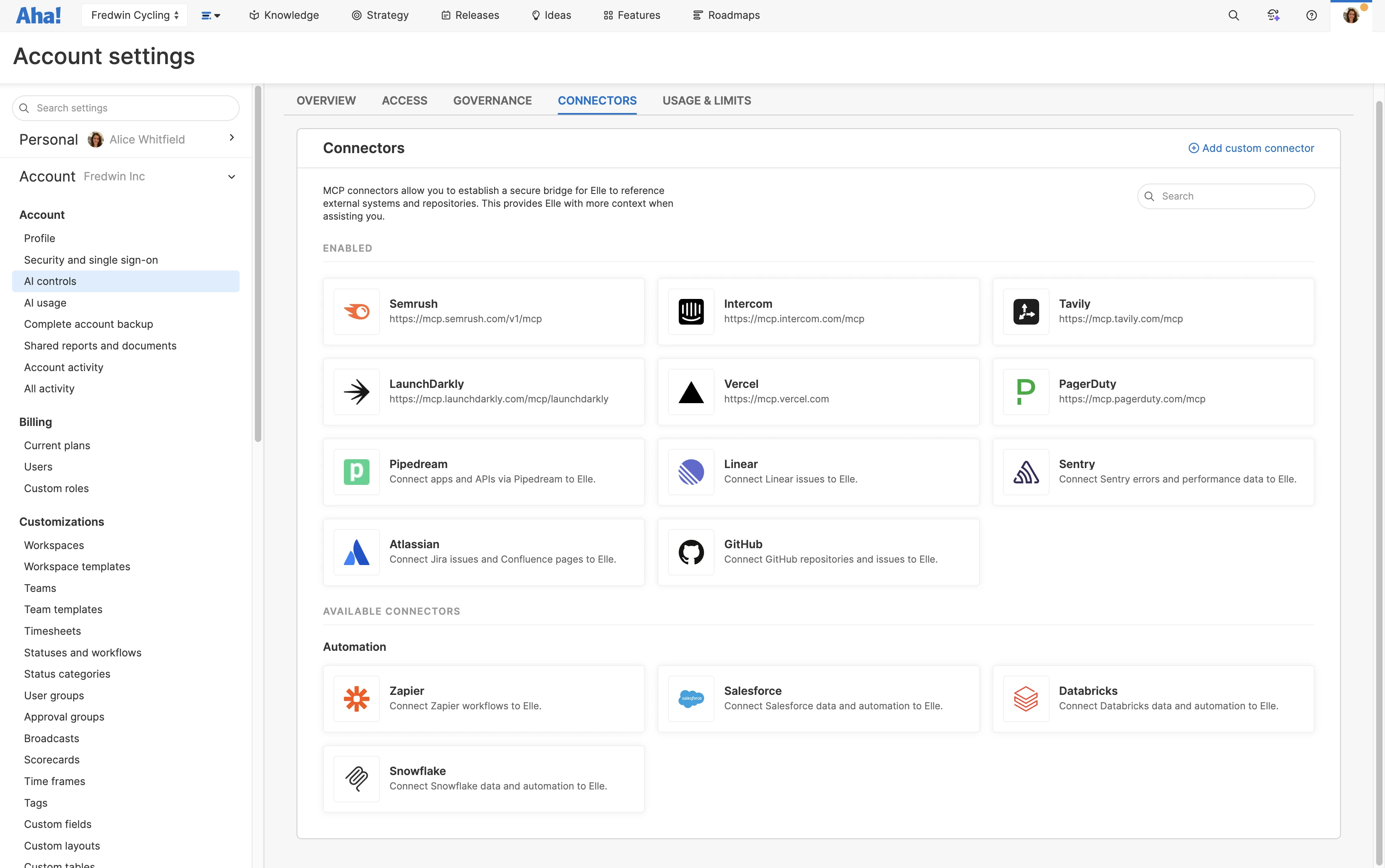
Use MCP connectors to connect to thousands of tools. Choose from our catalog of popular applications, use Zapier and Pipedream to expand your options, or set up custom connectors. Specify which actions Elle can take in each tool and set policies. Give Elle a broader understanding of your product work to provide more relevant answers and recommendations.
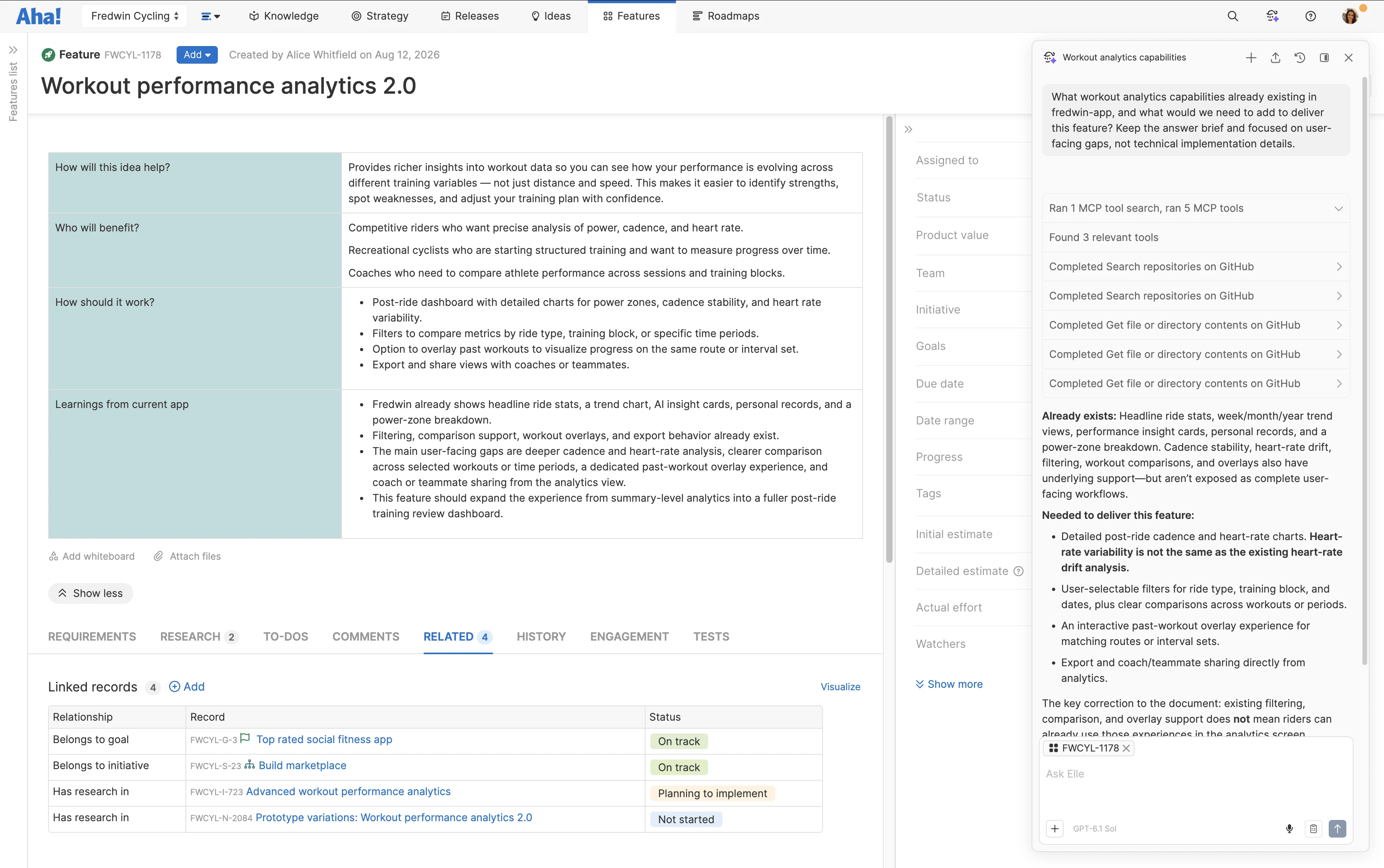
Get the information you need without leaving Aha! Roadmaps. Ask Elle to check opportunities in Salesforce to make sure your plans reflect customer needs. Or review how a feature works in GitHub source code before drafting feature specifications. Identify blockers in Jira early to keep release plans on track. Elle automatically selects the right connector to bring useful context into your work.
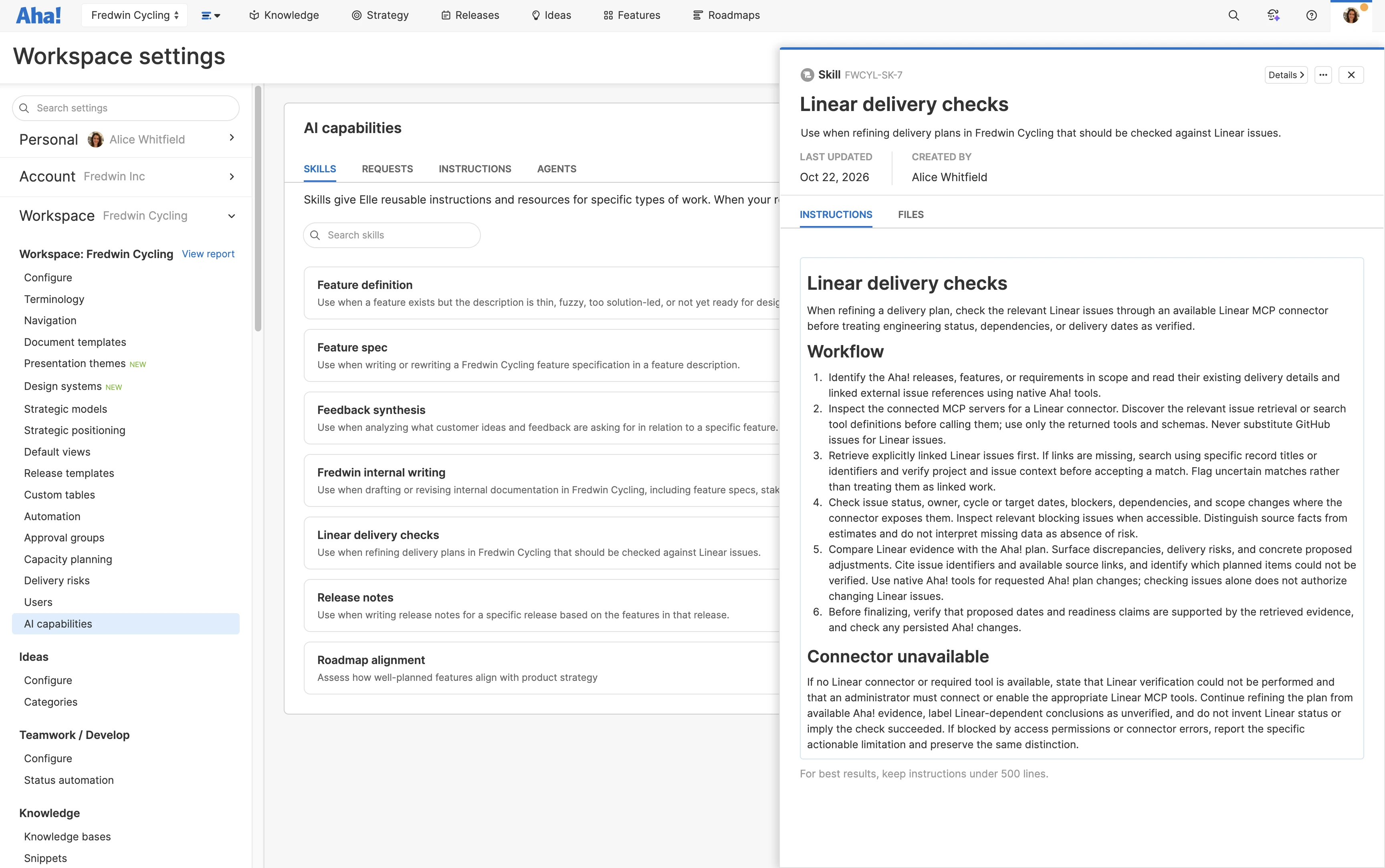
Make recurring work more efficient. Add MCP connector instructions to AI skills to reference the right sources when analyzing information and making recommendations. Use connected data in scheduled tasks to automatically monitor customer feedback or check release progress. Define your approach once — so Elle can follow it every time.
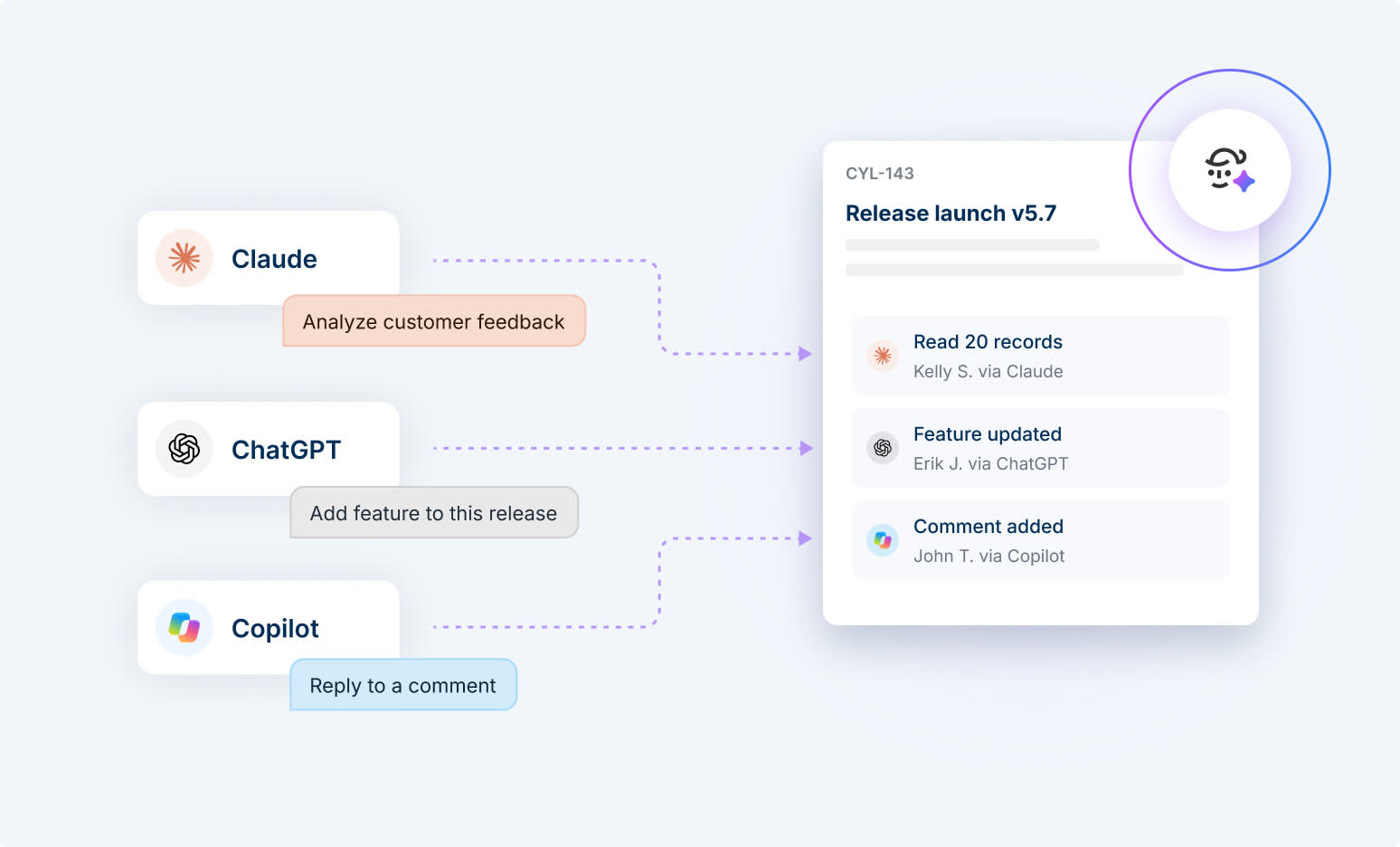
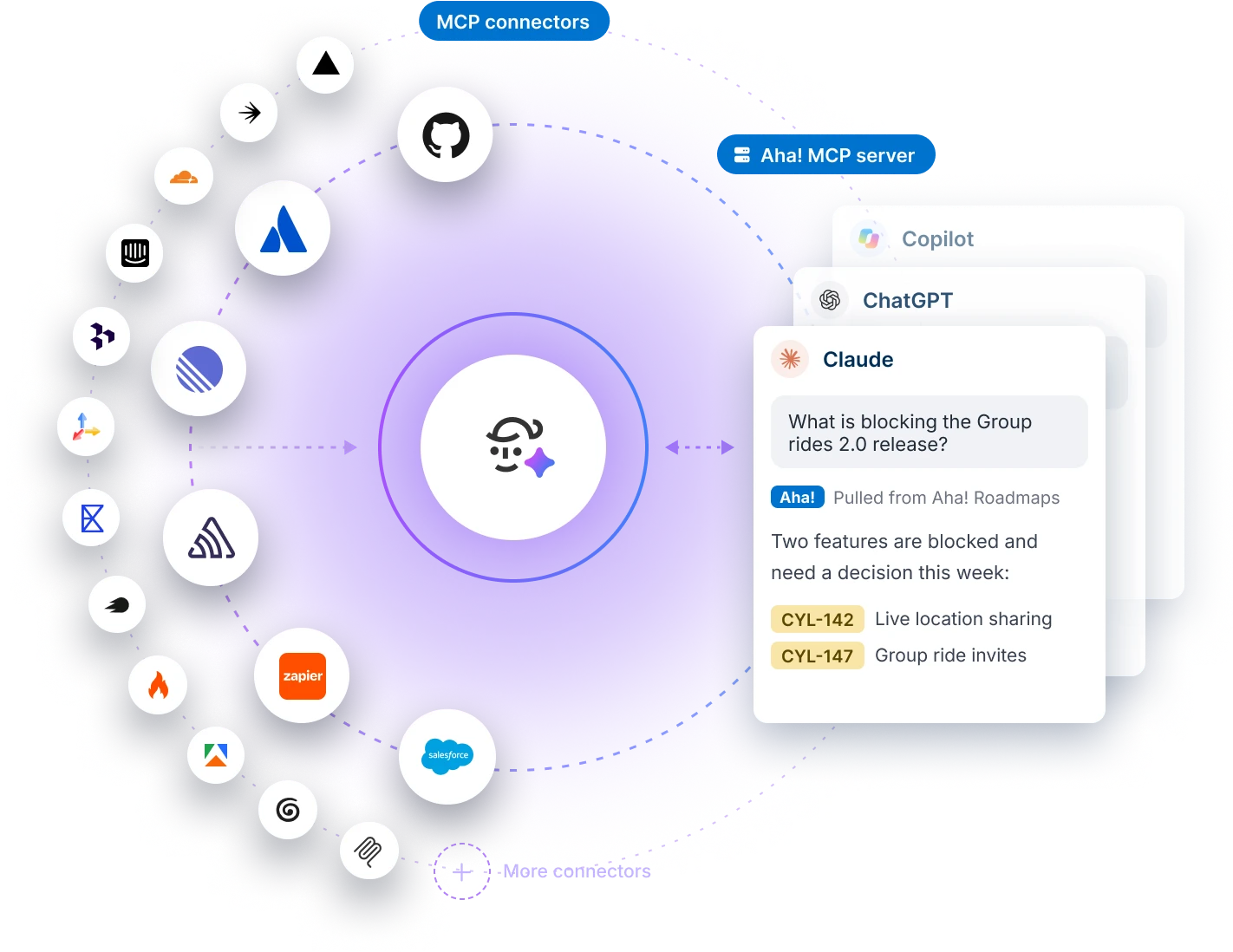
Use the Aha! MCP server to reference your product plans in Claude, ChatGPT, Gemini, and Microsoft Copilot. Analyze customer feedback, check roadmap status, and summarize progress across initiatives. You can also create features, update records, and add comments. Get more done in your preferred AI assistant without switching between applications.
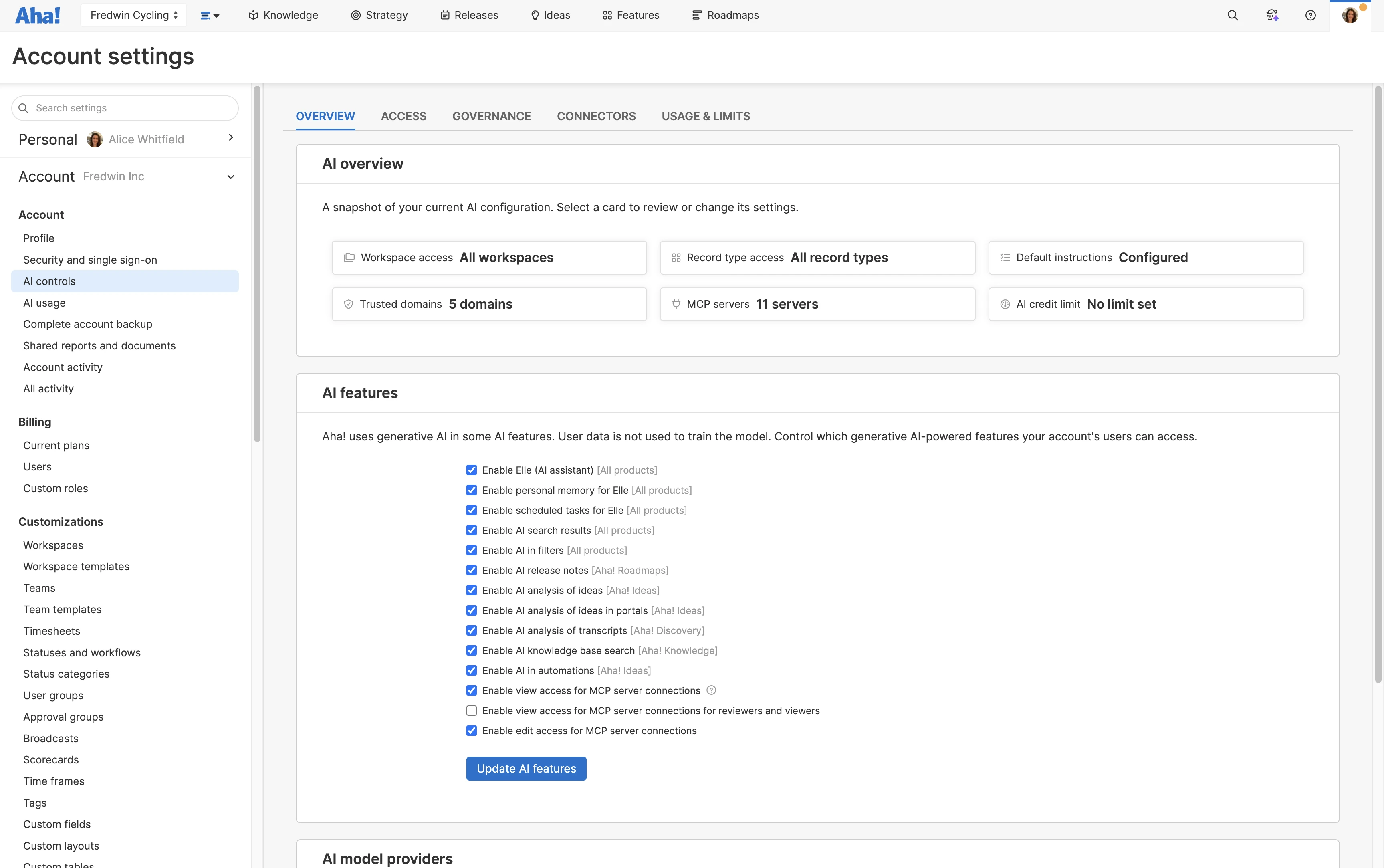
Give AI useful context while respecting existing user permissions. Account administrators manage which MCP connectors are enabled and set access for MCP server connections. Each user can then choose their preferred tools. Track changes made through the Aha! MCP server in your existing audit logs, attributed to individual users. Revoke access or disable connectors at any time.