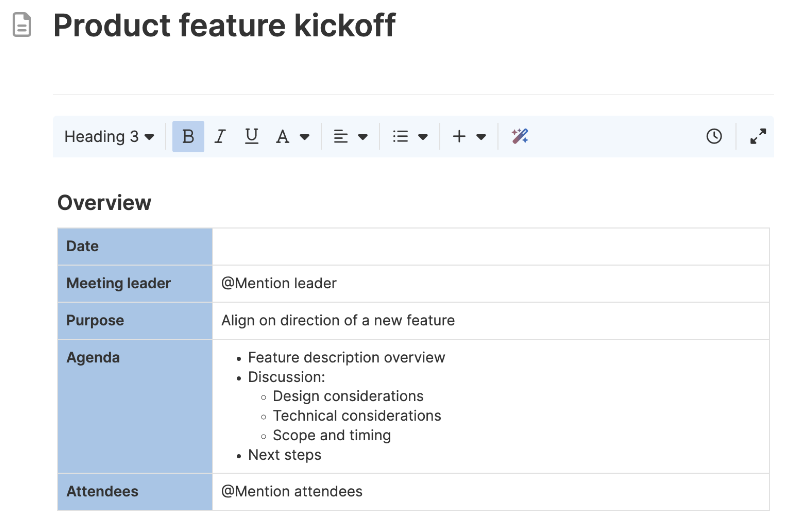
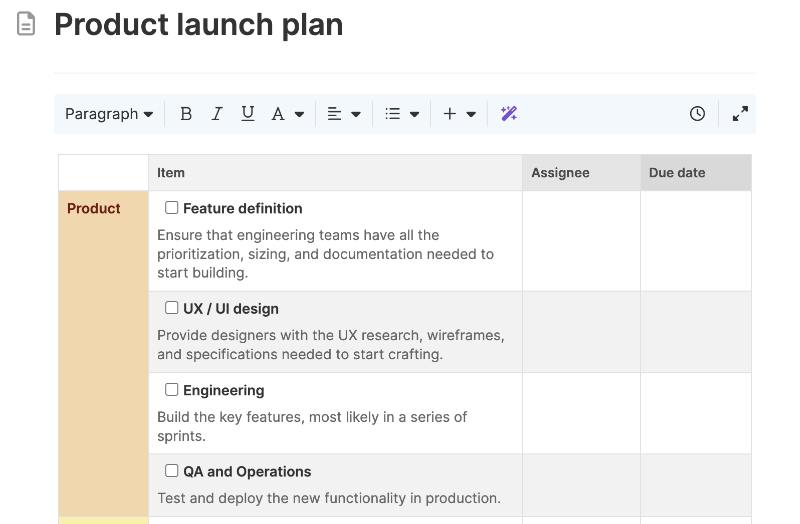
Product announcements template
Showcase product launches and updates customers will care about
Use template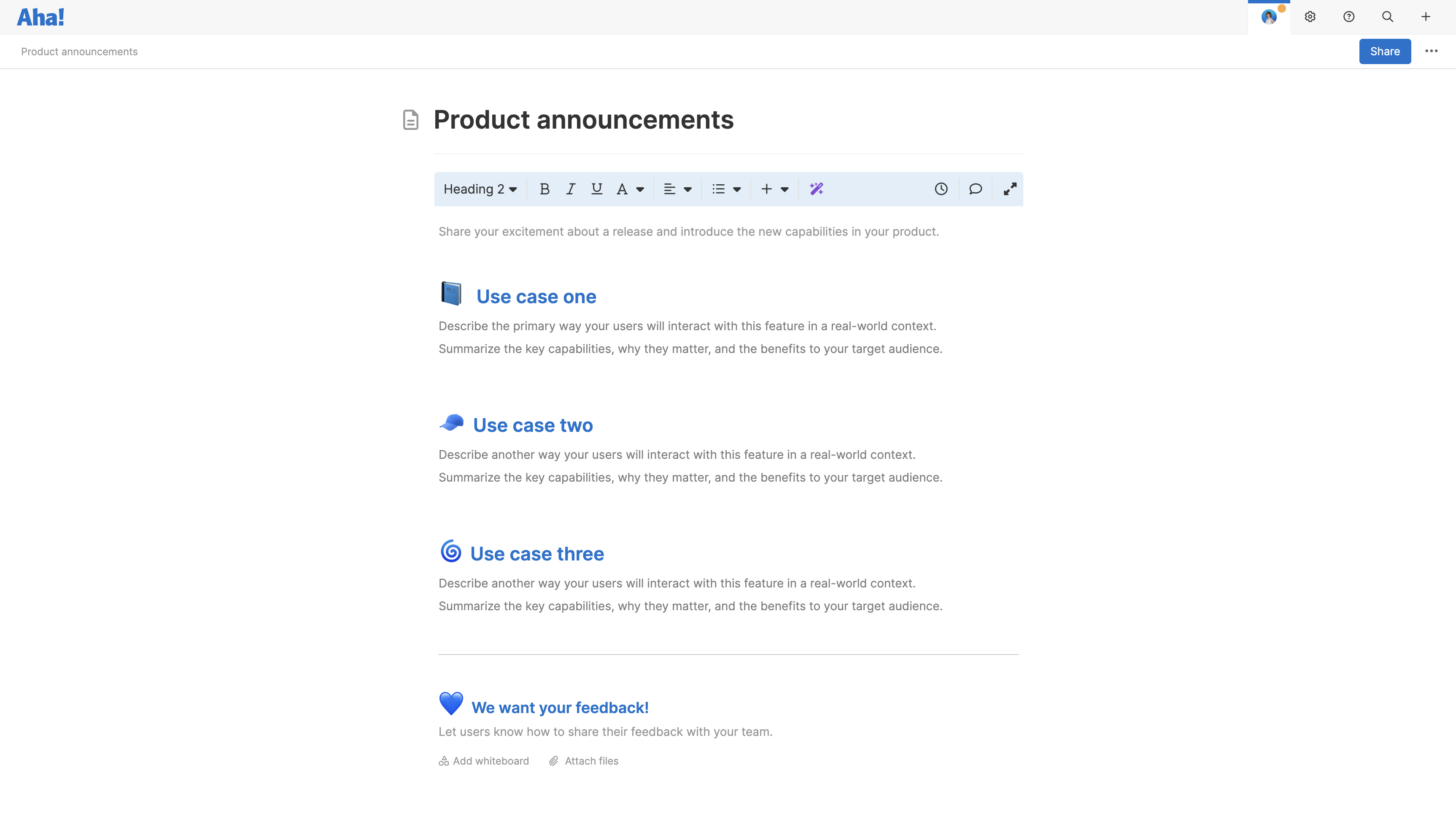
About the product announcements template
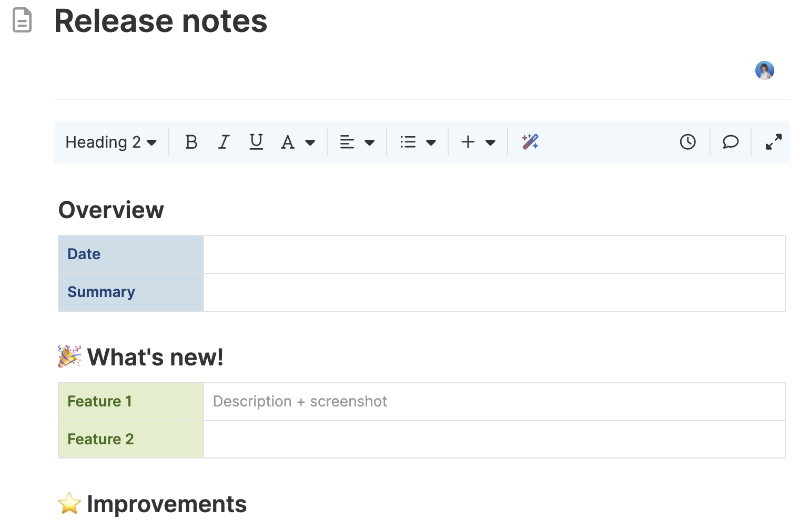
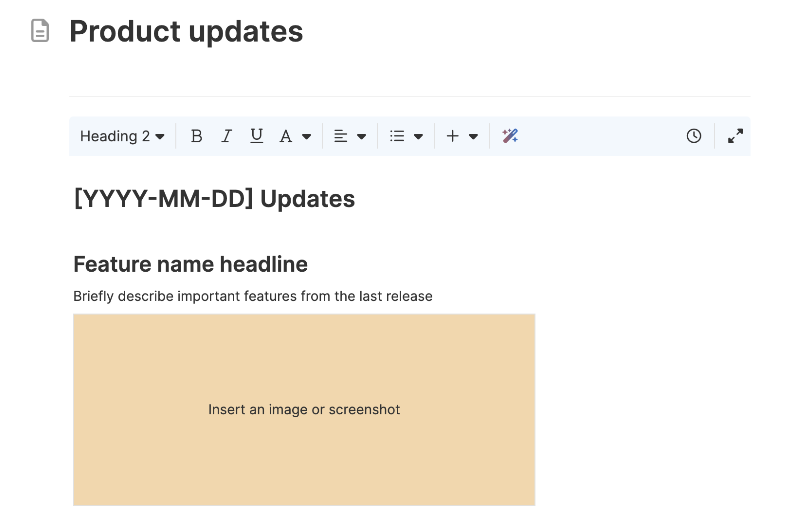
Sharing what is new is part of delivering value. This template helps you create product announcements that are clear, practical, and easy to replicate. Use it to highlight key updates — whether it is a major launch or an enhancement that solves a long-standing customer need. A consistent format makes it easier for the team to draft announcements quickly and helps customers see your progress.
Included in the product announcements template
This product announcements template includes built-in capabilities like:
A menu of classic whiteboard features such as shapes, sticky notes, grids, and emojis
Quick access to best practices and a pre-filled example for guidance
Inline comments to gather feedback, questions, and ideas from teammates
Ability to link resources like guides, videos, or knowledge base articles
How to use the product announcements template
Start with a brief introduction that sets the context. Are you announcing a new feature, an enhancement, or a set of updates? Focus on changes that improve the customer experience and deliver tangible value. Add examples to show how customers will benefit from the updates, and link to helpful resources like support articles or videos. Invite customers to share their feedback to keep the conversation going.
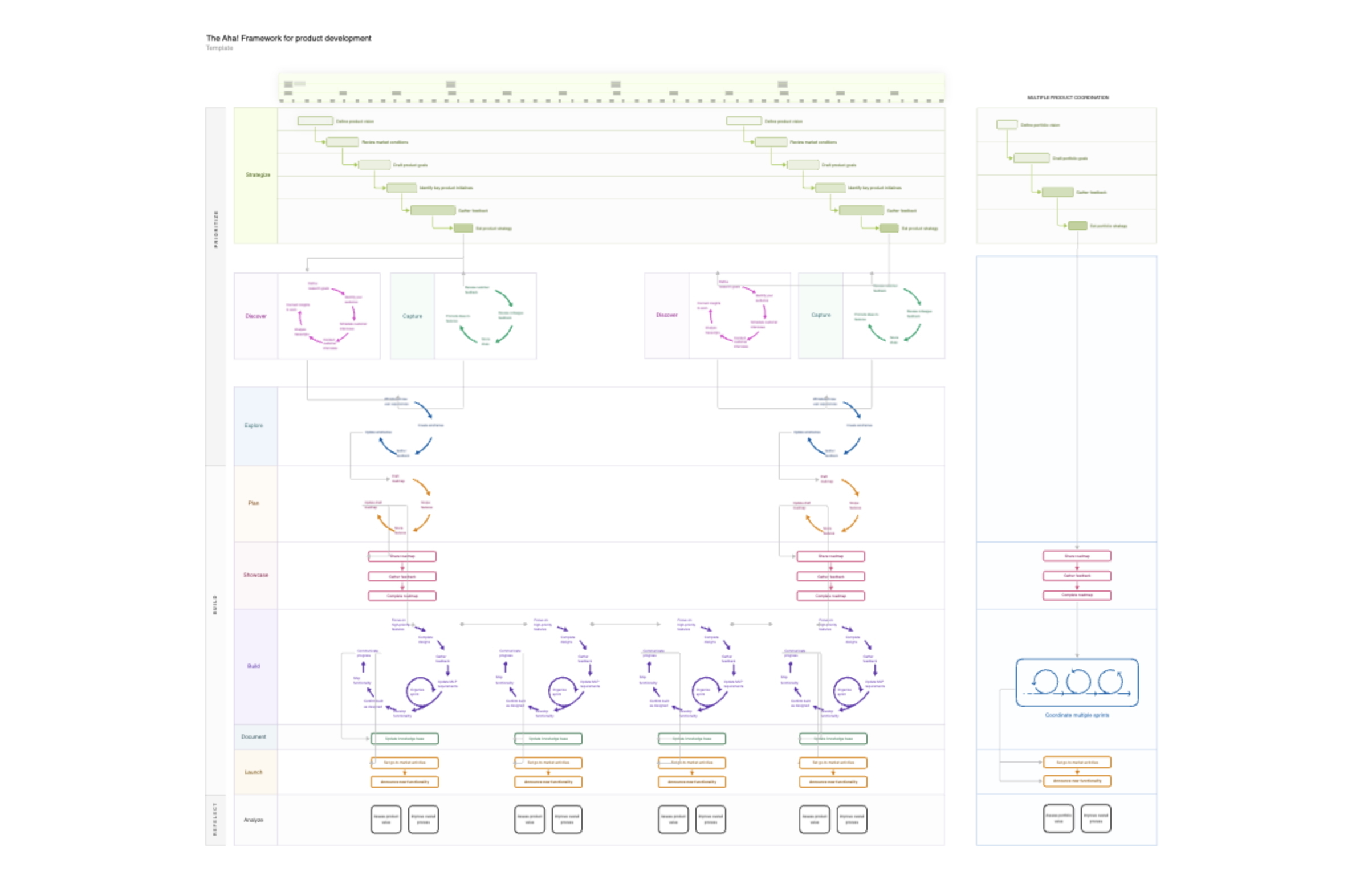
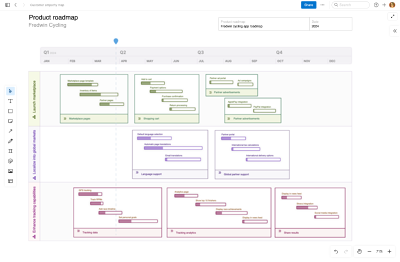
This template works well for single announcements or as a standard format for a product updates hub. If you use Aha! Roadmaps or Aha! Ideas, you can link announcements to specific initiatives, features, and ideas — making it easy to show how customer feedback leads to action.
Best practices
Share product news clearly — helping customers understand what is new and how it benefits them.
Choose the updates that matter most: Focus on what meaningfully changes the customer experience: new workflows, new capabilities, improved performance
Frame the benefit, not just the feature: Explain why the update is valuable (e.g., "Helps you onboard users faster" vs. "Added a new onboarding tool.")
Balance excitement with plain language: It is good to be proud of what you are building. But customers care most about what is new and how it will help them — so keep your wording clear, direct, and easy to understand.
Invite engagement: Prompt customers to share their feedback directly through your ideas portal, social media, or the support team. Closing the loop strengthens customer relationships.