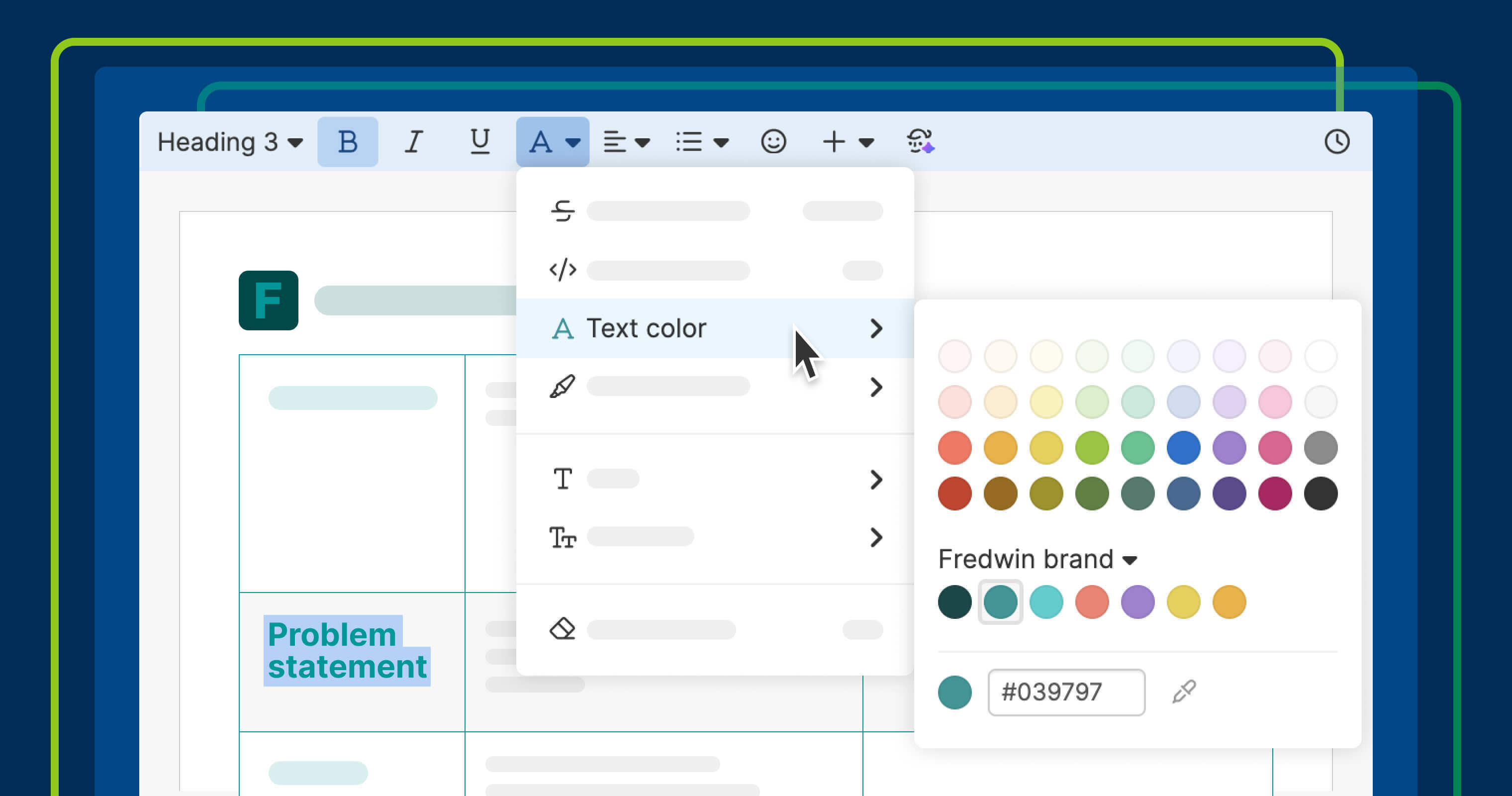
Define accountwide color palettes for use across Aha! software.
Set custom color palettes to match your brand across Aha! software


Your product has a style guide. Your product planning work should too. Consistent brand colors create a polished look — but applying them across reports, notes, and whiteboards has always required knowing the right hex codes and entering them manually. Custom color palettes in Aha! software change that.
Define accountwide color palettes, then use them across reports, notes, whiteboards, and more to follow company style.
Keep your product plans on brand
You can already set up custom colors in different parts of Aha! software — such as ideas portals and knowledge bases — for a polished look. Now, it is even easier to maintain a consistent visual experience with custom color palettes. Account administrators can create 10 palettes to use across your account. The team can then choose the right palette anywhere the color picker menu appears (e.g., text colors, fill colors, and report settings) and select from up to 36 options.
Here is what you can do:
Apply colors instantly: Employ shared color palettes to quickly style your product planning work.
Add hues without hex codes: Pick any color from your screen with the built-in eyedropper.
Track recently used shades: Reuse custom colors with the color picker's Recents section.
In the example below, a (fictitious) Fredwin Cycling team updates a chart with a branded palette.
This update is available across Aha! software. Account administrators can create and manage custom color palettes, and all users can apply palette colors.
How to get started
Go to Settings Account Profile.
Open the Custom color palettes section.
Create a palette and add up to 36 colors.
Rename, reorder, or delete palettes as needed.
Open a color picker and choose a shared palette from the dropdown.
Use Recents or the eyedropper to speed up color selection.
📚 For more details, read the full support article.
Custom color palettes make it easier to bring brand styling into your work. Use them to create more consistent reports, notes, whiteboards, and more — so your plans look polished and ready to share. Give it a go today.
Start a free trial
Custom color palettes are available to all Aha! customers. Our suite of tools includes Aha! Roadmaps, Aha! Discovery, Aha! Ideas, Aha! Whiteboards, Aha! Builder, Aha! Develop, Aha! Teamwork, and Aha! Knowledge. Use each product individually or combined to help teams deliver even greater value. Sign up for a free 30-day trial or join a live demo to see why more than 1 million product builders trust our software to build lovable products and be happy doing it.