Keep long documents organized, accurate, and easy to maintain.
3 new ways to better manage key product info


Your product documentation can get a bit out of control as time goes on. This week, we made some quick-win updates to help you search, edit, and organize your content more efficiently.
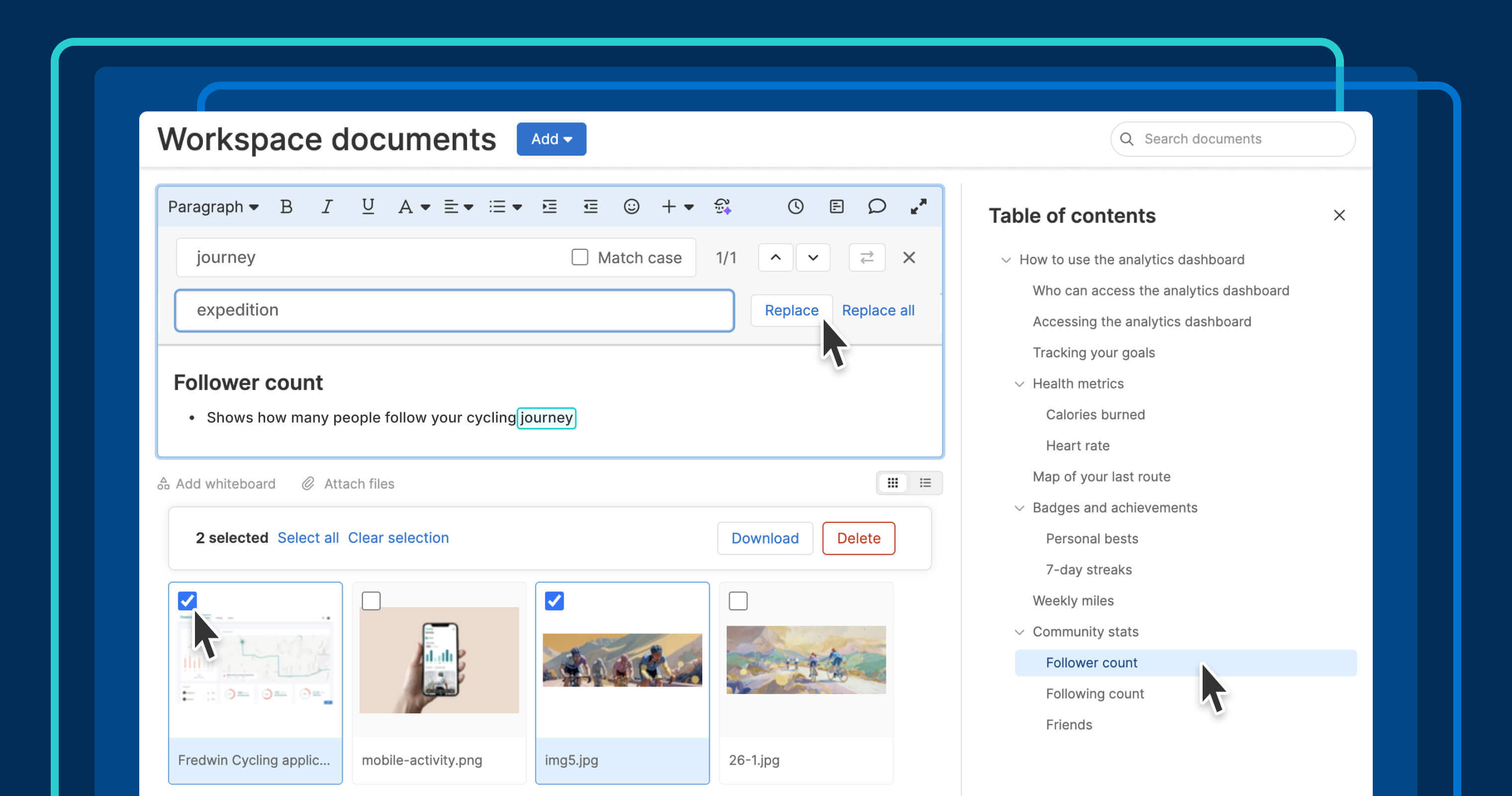
Manage long documents in Aha! software with less manual work using find and replace, bulk attachment actions, and a sidebar table of contents.
Keep documents accurate and easy to read
Aha! software gives you a central place to create and share product documentation with coworkers and customers. Teams can craft plans, processes, and reference materials all in one place — then publish a knowledge base to provide information to customers. But as your content grows, it becomes more challenging to manage.
We recently made some quick improvements to help you manage your documentation more efficiently. That way, you can get back to building — and your readers can access the right information, fast.
Here is what you can do:
Make quick updates: Use Ctrl+F to find and replace words or phrases throughout a document.
Manage attachments in bulk: Delete or download multiple files at the same time.
Navigate with ease: Use a sidebar table of contents in notes and knowledge base articles to quickly jump between sections.
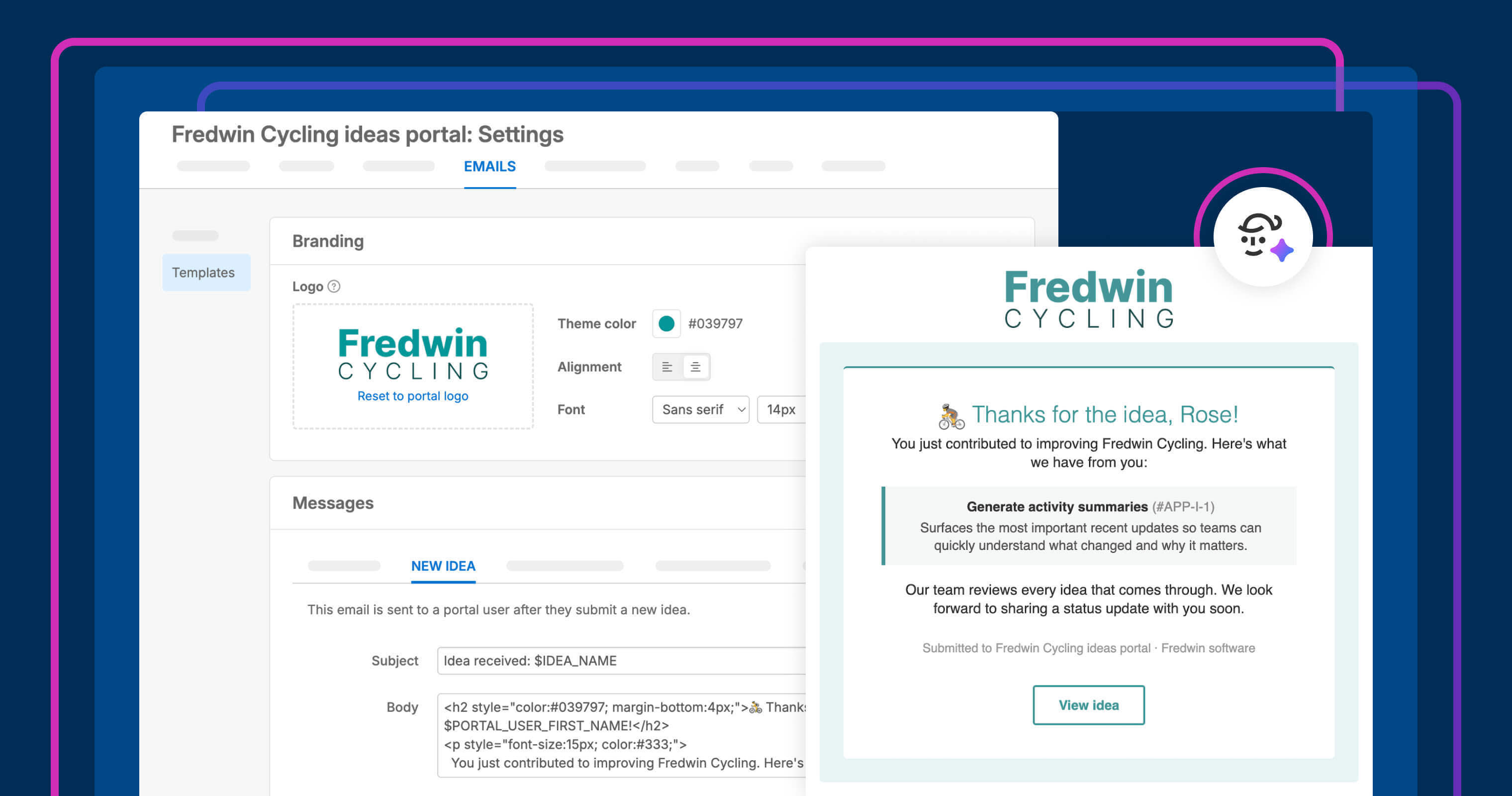
See these updates in action below. We used them to update a knowledge base article after a UX copy change to Fredwin Cycling, our fictitious fitness application.
These updates are now available to all Aha! users. For those on the Aha! Knowledge Advanced plan, administrators can turn on the sidebar table of contents in customer knowledge bases. (Contact us to upgrade or sign up for a free trial).
How to get started
Open a document in Aha! software and use Ctrl+F to find and replace text (also available from the + menu).
Select multiple attachments in the thumbnail or list view to delete or download together.
Create headings and use the new sidebar table of contents to move between sections.
If you manage a knowledge base, enable the sidebar table of contents in Knowledge base settings Customizations Layout.
📚 For more details on managing documentation in Aha! software, visit our knowledge base.
Use these quick improvements to make updating and reading your content more enjoyable for all. When maintenance takes less effort, it is easier to keep knowledge useful over time. And if you are ready to turn your docs into a product knowledge base, check out our Aha! Knowledge PM how-to recording.
Start a free trial
Find and replace, bulk attachment actions, and a sidebar table of contents in notes are available to Aha! customers. Our suite of tools includes Aha! Roadmaps, Aha! Discovery, Aha! Ideas, Aha! Whiteboards, Aha! Builder, Aha! Develop, Aha! Teamwork, and Aha! Knowledge. Use each product individually or combined to help teams deliver even greater value. Sign up for a free 30-day trial or join a live demo to see why more than 1 million product builders trust our software to build lovable products and be happy doing it. To add a sidebar table of contents in a knowledge base, sign up for a free trial of Aha! Knowledge or contact us to upgrade your account.