How to manage AI app-building
Learn how to create AI apps and set standards to build, maintain, and improve them
That tedious manual process? You can now automate it exactly how you want. You can connect scattered datasets. Or replace spreadsheets with systems that actually support how your team wants to work. And you can do it all yourself in just a few hours or less with AI — generating sophisticated business applications that used to require dedicated engineering resources.
As teams use AI more widely, the opportunity is clear. But so is the risk. You need to know you are building the right things and have a plan to manage them responsibly over time.
Otherwise, you can quickly head in the wrong direction — creating throwaway tools that nobody uses or duplicating what already exists.
That is why you need a clear, disciplined approach for creating AI-powered applications. Paired with a robust, no-code AI app builder like Aha! Builder, you can keep your workflow well-governed and ensure you are delivering what is really valuable to your business, teams, or customers.
This guide outlines how to evaluate, build, and manage AI apps. Keep reading or skip ahead here:
You need a structured approach for AI app-building — here's why
The question is no longer whether you can build something — but whether you should. It is tempting to ask AI to create whatever you can dream up. But every application you build comes with an ongoing responsibility to manage it, on top of what you spend using AI to generate and run it. Those costs add up quickly as your tool stack grows.
That is why a standardized approach is essential. It helps you decide what should exist before you build anything — giving you a way to evaluate ideas thoughtfully and build with intention, then support applications over time.
Ideally, every app you build with AI should be:
Significant: It solves a validated problem and delivers meaningful value.
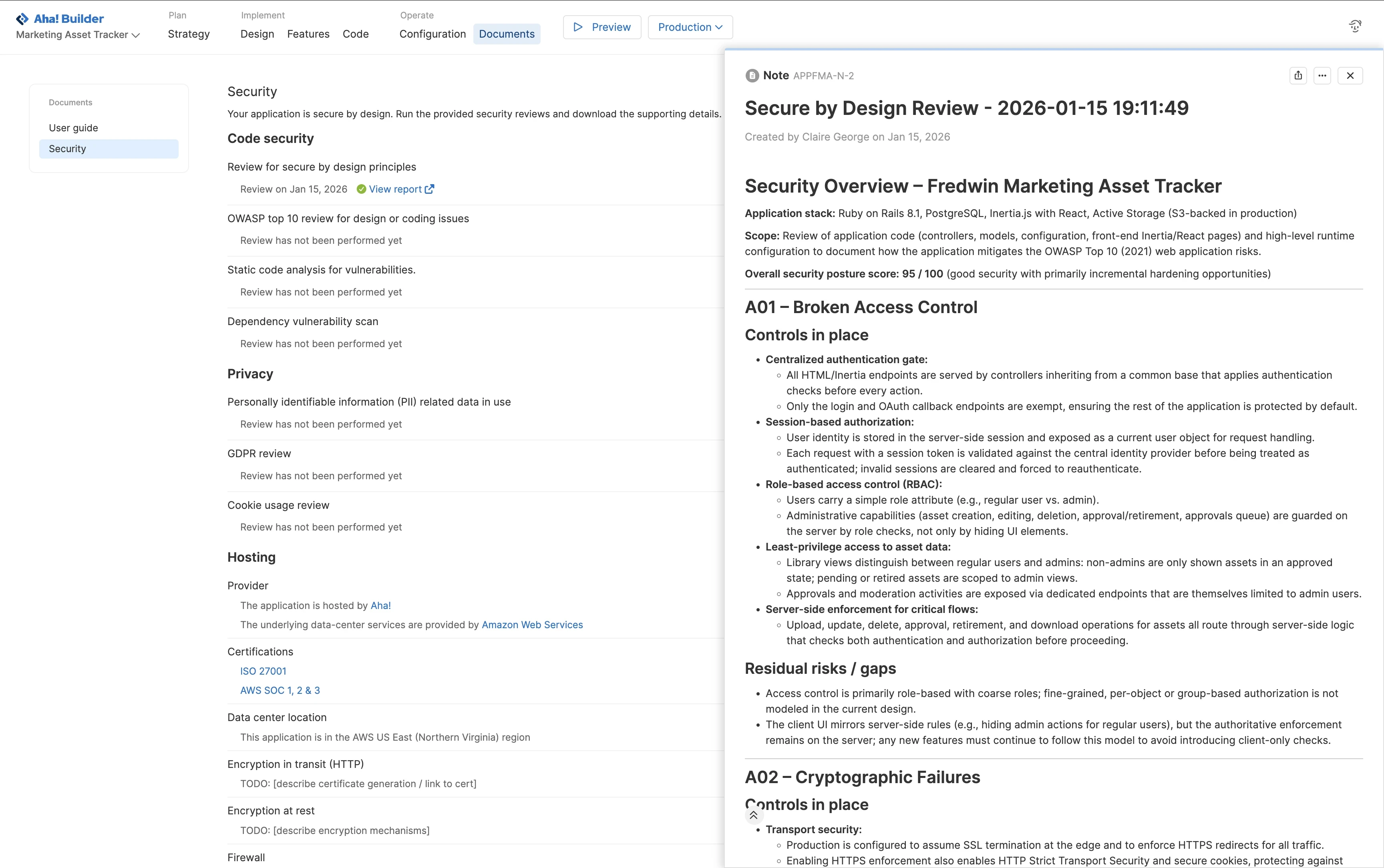
Secure: It protects data and adheres to required privacy standards.
Scalable: It is architected to grow and handle increased usage without breaking.
Supported: The team is committed to maintaining and improving it over its lifecycle.
A standardized approach matters for any AI-generated artifacts that are backed by real data and serve end users. That includes production-ready AI prototypes in addition to full business applications.
Related:
Should you build that AI app? Follow this checklist to decide.
You want to build high-quality AI apps to help users work more effectively. That means applying the same discipline you would to any product idea: lead with strategy and aim to deliver the most value for the least effort and overhead.
Use these principles as a checklist to evaluate whether an application is worth building in the first place — and how to set it up for success once you do. They will help you build fast with AI without losing control.
1. Build for strategy
Do: Prioritize AI applications that address clear problems and advance your business goals.
Don't: Chase AI experiments that are interesting, but disconnected from your strategic priorities.
2. Protect time and focus
Do: Treat AI app-building as planned work, noting team capacity and trade-offs against other priorities.
Don't: Spend hours building tools that do not serve an identified need, distracting you from core work.
3. Treat data as a foundation
Do: Build based on data that is accessible, approved, and well governed. Follow clear standards for protecting sensitive information and tracking outputs.
Don't: Pull in sensitive data from scattered sources that make it difficult to verify, audit, or prevent leaks. If you are uncertain, ask IT or security teammates to verify.
4. Design for security
Do: Apply consistent authentication and authorization standards to every AI application, with access limited to the right people and roles.
Don't: Release applications with weak or inconsistent access controls that fall short of your security requirements. Request the IT or security team's review as needed.
5. Safeguard privacy
Do: Limit what data applications can access. Determine how personal and confidential data is stored, displayed, and shared — asking knowledgeable teammates to advise or choosing an AI app-builder like Aha! Builder that has these controls built in.
Don't: Collect more sensitive information than you need or expose it in prompts, logs, or other places where it can be copied or misused.
6. Create a consistent experience
Do: Use shared guidelines for design, copy, and quality so every AI app you build feels familiar and intuitive for your users.
Don't: Ship one-off tools with their own look, language, and behavior. When every tool feels different, people are not sure whether to trust it or how it works, and your team ends up maintaining separate UX patterns and documentation for each one.
7. Ensure interoperability
Do: Design AI apps so data flows smoothly between them and existing core systems.
Don't: Build standalone tools that duplicate data, require manual reentry, or create overlapping functionality.
8. Enable responsible building
Do: Train implementation teams on data, security, and UX design with guardrails for responsible use of AI and automation. Capture this information in support documentation and store it in a central place (like an internal knowledge base).
Don't: Let teammates create applications without sufficient guidance. This can lead to low-quality outputs and misuse of data.
9. Drive adoption and behavior change
Do: Plan how users will access and learn to use the AI app so it becomes part of everyday work.
Don't: Launch new applications without considering how to change user habits. This reduces the likelihood that people will use the application consistently and limits the value it can deliver.
10. Balance cost and value
Do: Use AI where it clearly increases efficiency or revenue, and review usage regularly.
Don't: Add new AI tools without checking whether similar capabilities already exist, or it will incur notable infrastructure costs.