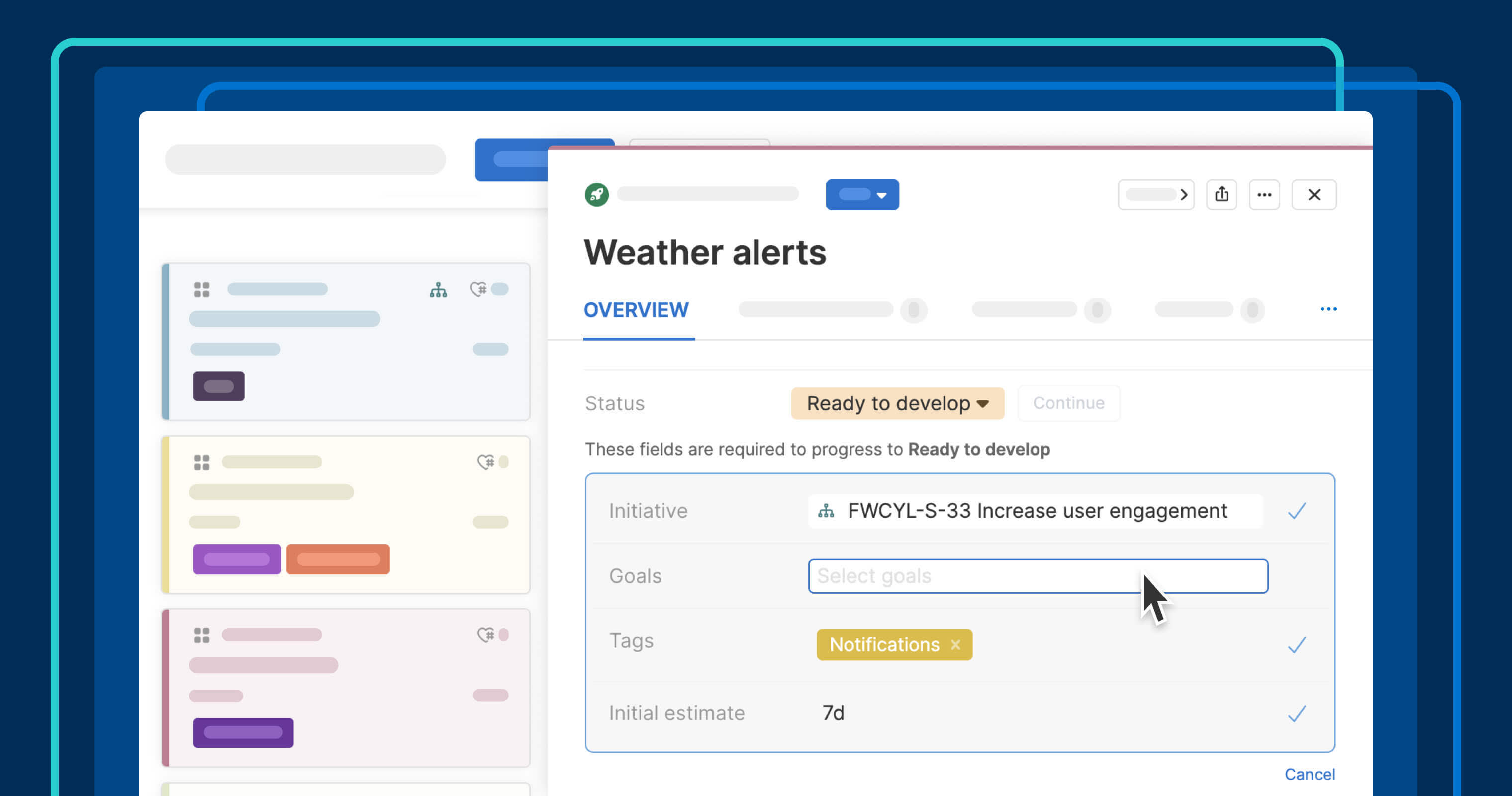
Requiring fields by status helps you capture the right information at the right time.
Require fields by feature status to standardize workflows


Great product work moves forward with clarity. When teams have the right details at the right time, handoffs run smoothly and reporting stays clean. The strongest workflows keep records complete as work progresses — without turning the process into a slog.
Require specific fields for each workflow status in Aha! software. This ensures teams can maintain data integrity without manual checks.
Bring consistency to your product planning data
Aha! software is built to help product teams manage complex workflows. You can already define custom statuses and choose a flexible or fixed workflow to ensure work moves through each stage of planning, delivery, and launch in a consistent way.
You can now control which fields must be completed before a record can move to the next status. For example, you can ensure ideas are tagged with the right categories before moving to planned status, or that features have an initial estimate before moving to design. If a required field is missing, Aha! software highlights what needs attention. The team can quickly fill in the details and continue.
Here is what you can do:
Set required fields: Specify exactly which information must be completed for each workflow status.
Highlight missing details: Guide users to fill in required fields before work can progress.
Drive standardization: Apply the same rules to bulk edits and CSV imports to ensure data consistency.
This update helps product teams follow best practices — without manual oversight. The result is more trustworthy data for integrations, handoffs, reporting, and Elle (the AI assistant in Aha! software).
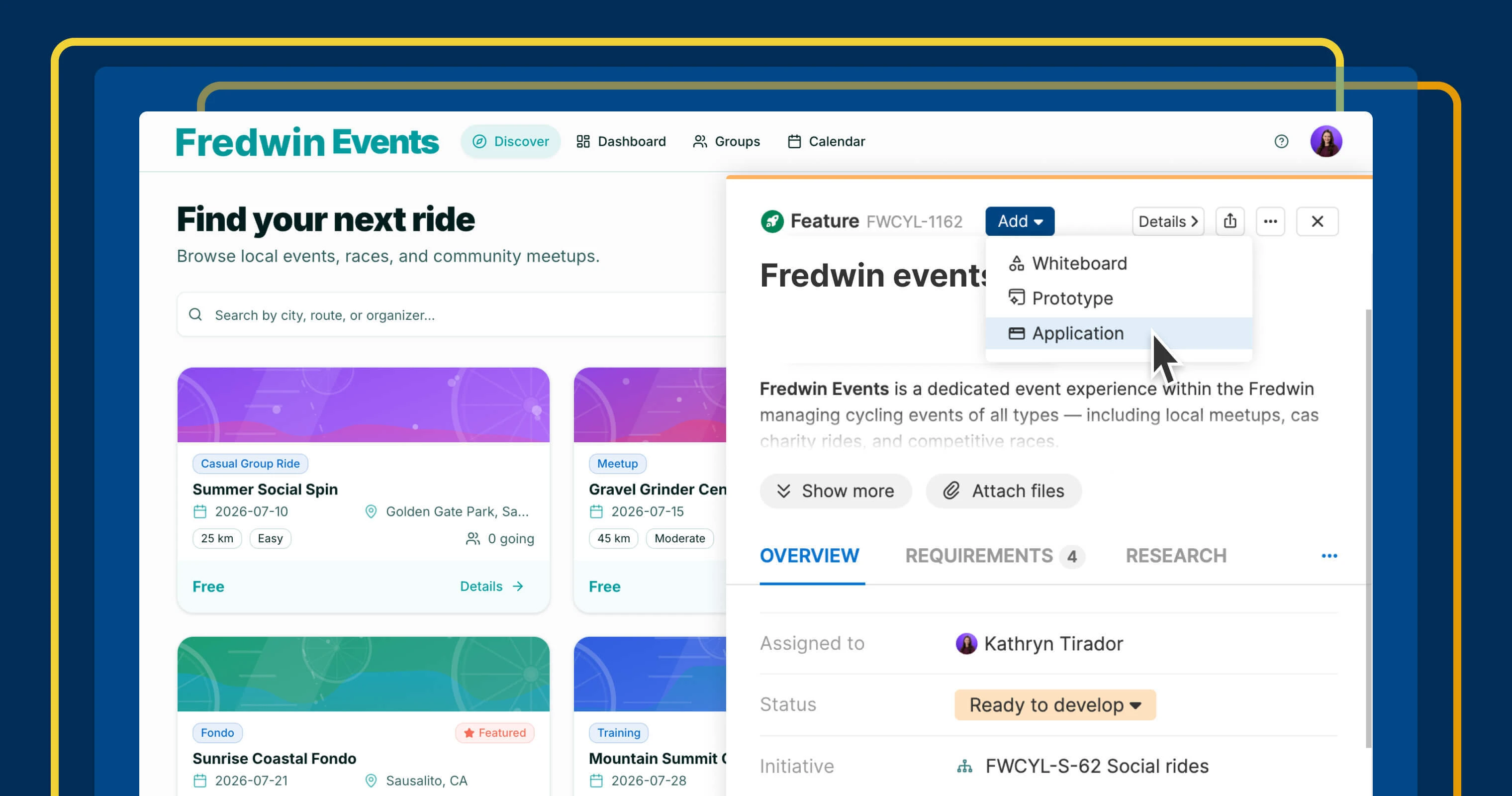
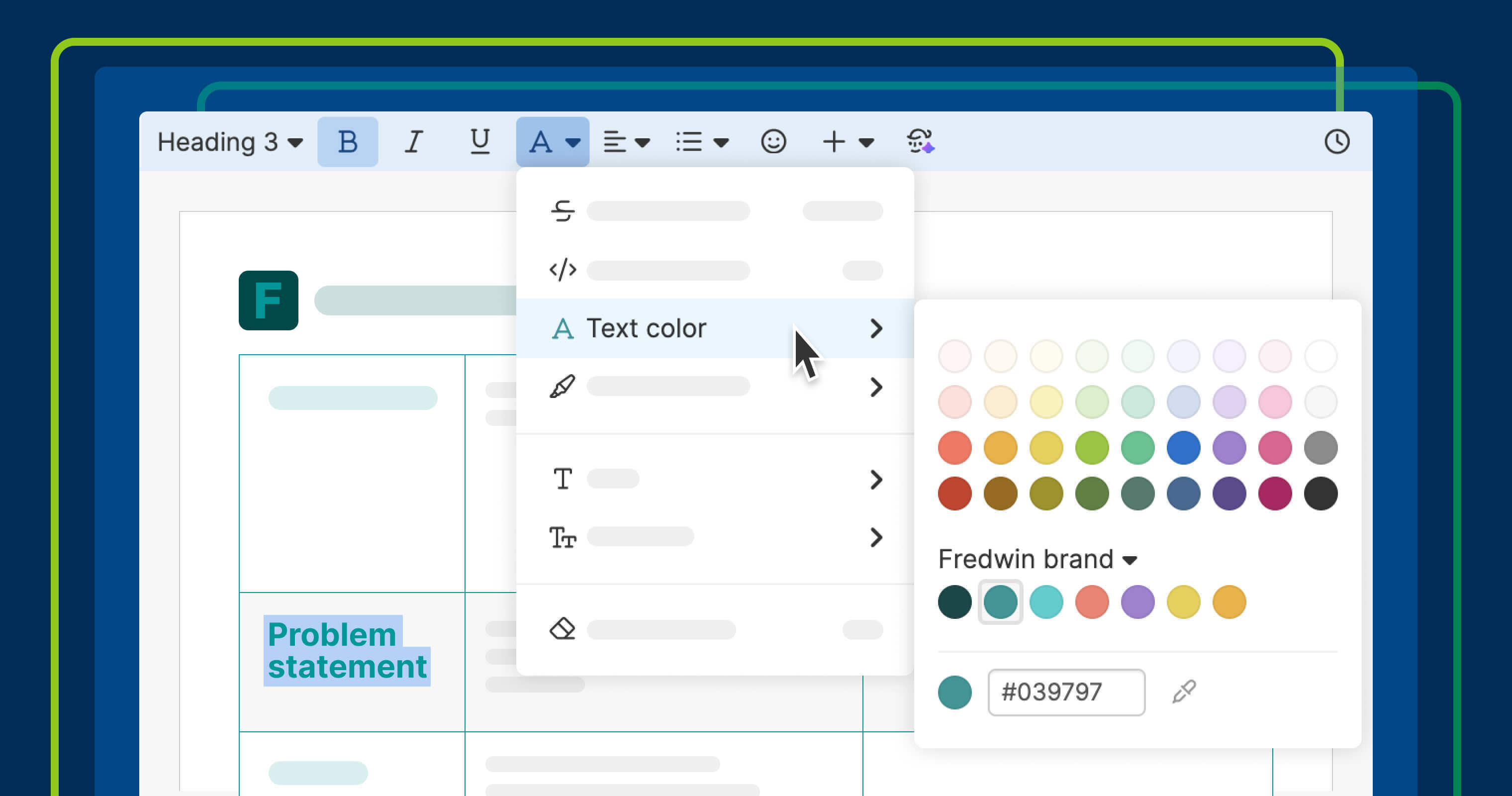
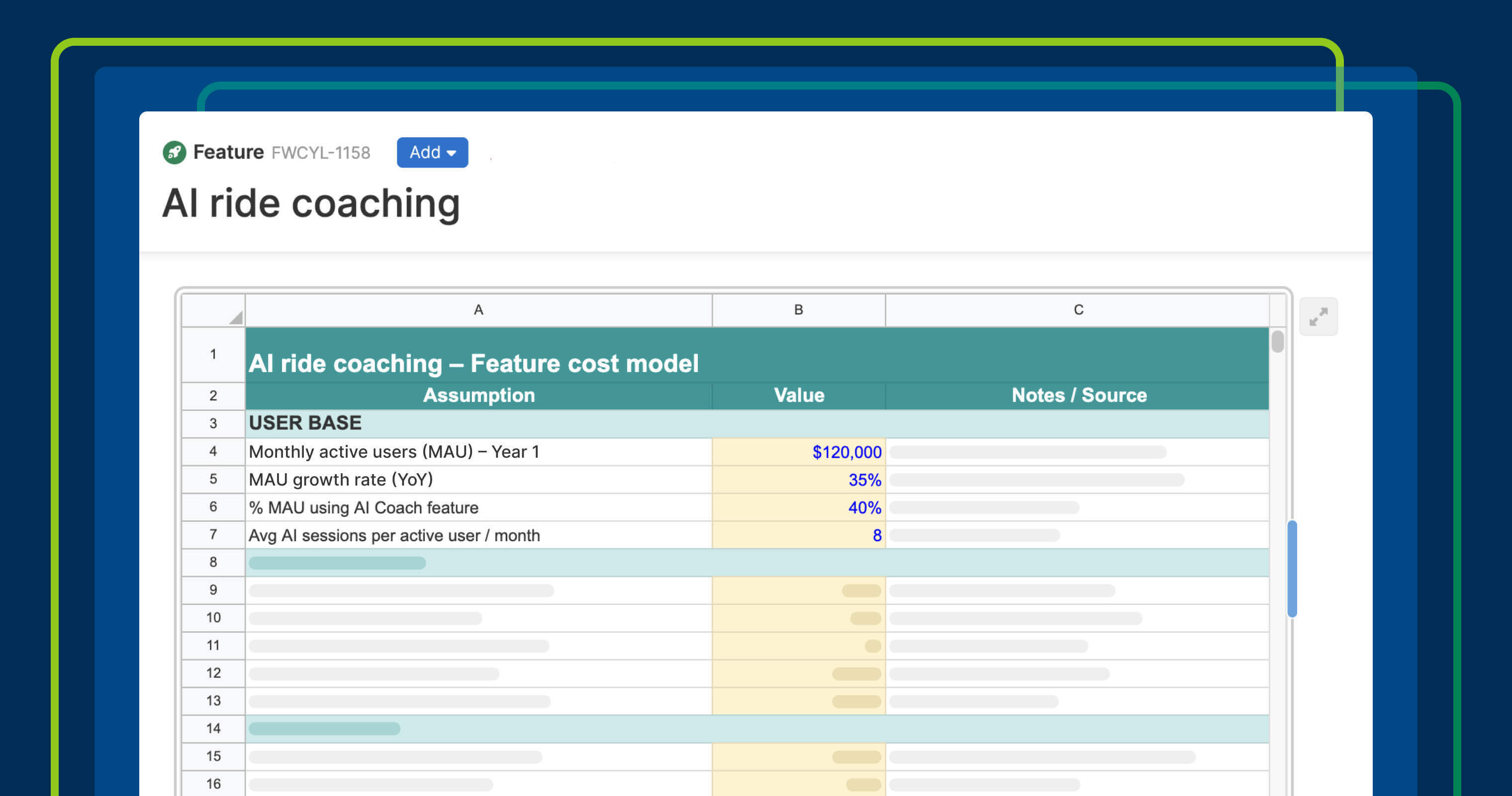
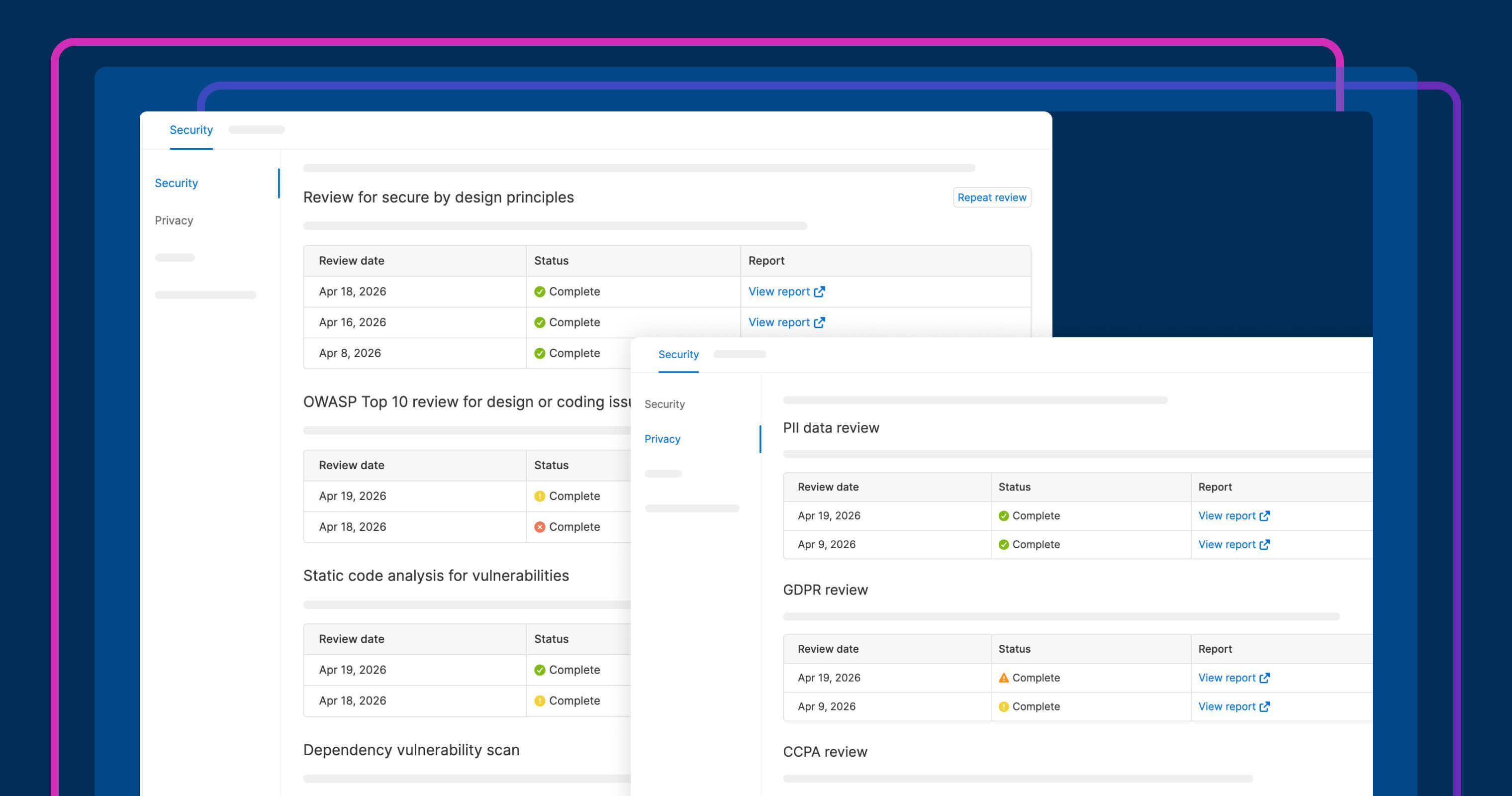
Below, a (fictitious) Fredwin Cycling teammate completes the required data before moving a feature to Ready to develop.
The ability to require fields by status is available across Aha! software. Workspace administrators can edit a workflow status and choose which fields are required before records can enter that status.
How to get started
Go to Settings Account Status and workflows.
Click Edit next to the workflow you want to update.
Select Edit next to the status for which you want to assign required fields.
Open the Required fields dropdown to select what fields are needed before the record can move to that status.
Change a record to that status and complete any highlighted fields to continue.
📚 For more details, read the full support article.
Use required fields by status to bring more consistency to how your team works. Guiding people to complete the right information at the right time ensures better data quality from planning to delivery. Set it up today to drive stronger governance at your organization.
Start a free trial of Aha! Roadmaps
Aha! Roadmaps is the best way to set strategy, prioritize features, and share visual plans. It also includes everything in Aha! Ideas Essentials, Aha! Whiteboards Essentials, and Aha! Knowledge Essentials to provide a complete product management solution. Sign up for a free 30-day trial or join a live demo to see why more than 1 million product builders trust our software to build lovable products and be happy doing it.