You can explain a feature in a requirement. Or you can prototype it and put it in someone's hands in 15 minutes. | Photo by Jodi B Photography
How product managers now use AI to prototype new features


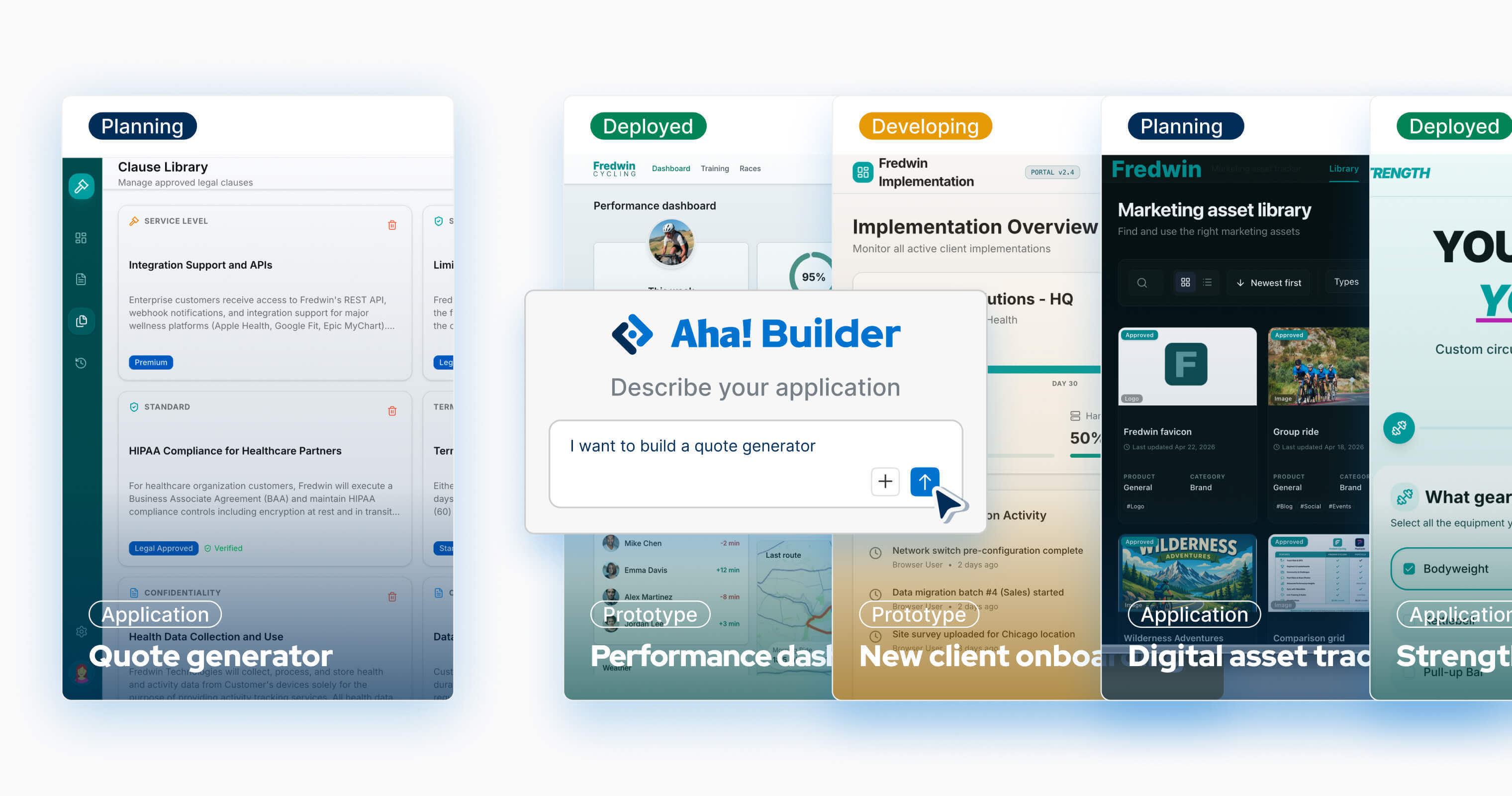
Aha! Builder helps product managers create interactive prototypes with AI — no coding experience required. The feature you have been trying to explain in a requirement? Build it and let people explore it in moments. The interaction your team has been debating for weeks? Turn it into something people can click through by the end of the day.
We created Aha! Builder because PMs know customer challenges and how to solve them better than anyone. We wanted you to be able to do something about that directly — to go from insight to prototype (or even all the way to a full application) without waiting for anyone else to catch up to your thinking. We call it PM coding, and it is a fundamentally different approach than vibe coding. It starts with the thinking instead of the tool.
What are you trying to test, who needs to react to it, and what do you need to learn?
This is also why prototyping is such a natural place for PMs to start with Aha! Builder. It sits in the space between a written requirement and committed engineering work — early enough to explore the workflow, but concrete enough to show other people how it should actually work.
These are not static mockups
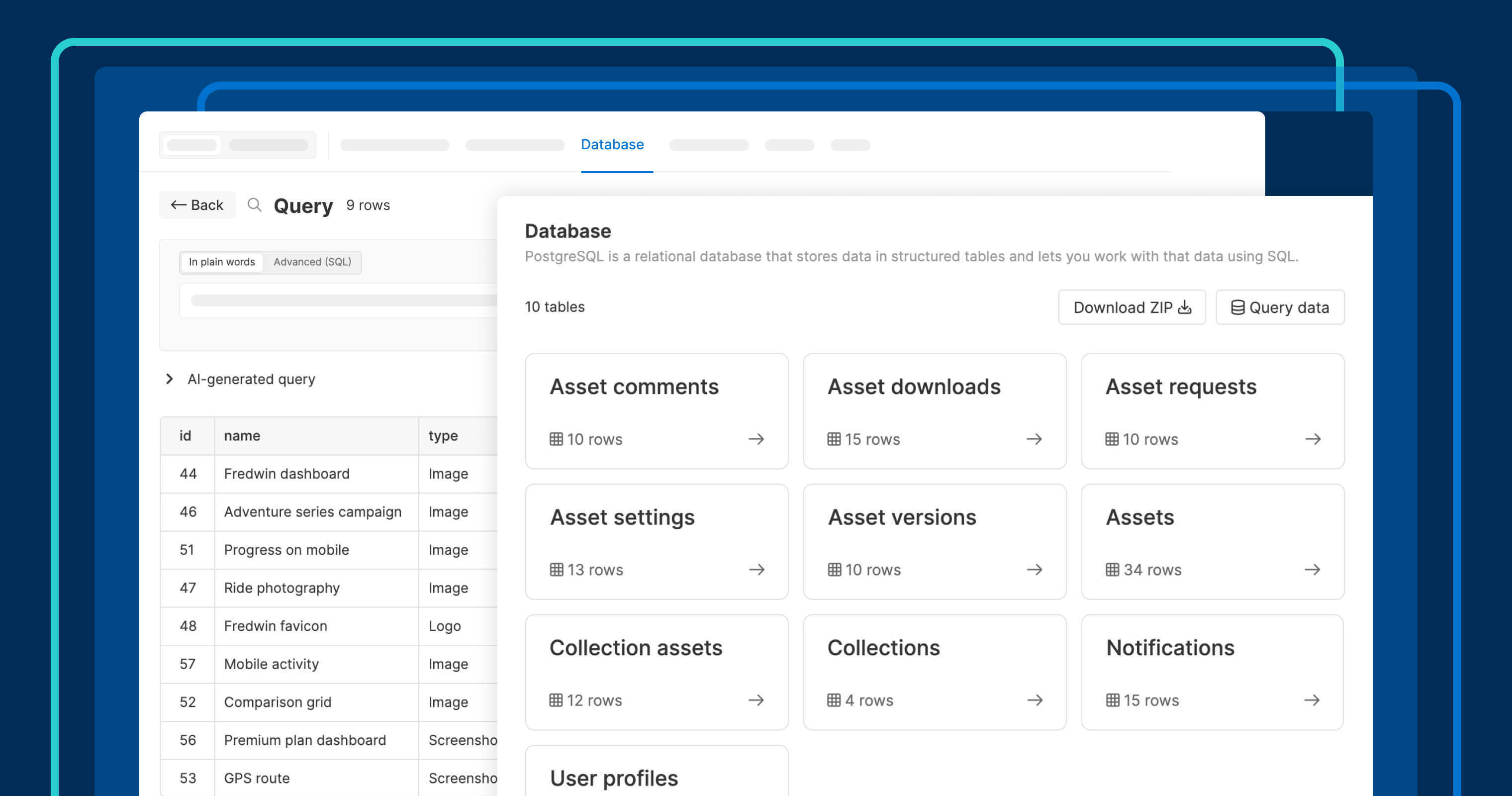
A prototype in Aha! Builder is interactive and backed by a database. You describe what you are building, who it is for, and what the user should be able to do. Then, Elle (the AI assistant) generates a prototype you can click through, test with live data, and share.
Most prototyping tools produce something that looks like the product. Aha! Builder produces something that behaves like the product.
Users can complete tasks, enter information, and interact with it the way they would with the finished version. When someone reviews your prototype, they are reacting to how the experience works — not how it looks in a screenshot.
Know when a prototype is the right next step
Not every idea needs one. Sometimes a quick sketch, whiteboard mockup, or 10-minute conversation gets the team aligned on direction.
If you are already an Aha! Roadmaps customer, it is worth trying the AI prototyping capabilities there too. They are a powerful way to move beyond talking about an idea and start showing how it could come together, especially when you want fast feedback before investing more deeply.
Aha! Builder is for when you want to go further. This happens when you are past the "Should we do this?" conversation and into "How should this work?" and need to explore more complex interactions and validate the experience before you commit to one direction. How does the user complete the process you have in mind? Where do they get confused or take a different path than you expected? A written requirement can describe that flow, but 15 minutes with a working prototype can answer it.
Collect feedback from the people who will use it
Once your prototype is in someone's hands, the next question is whether they will tell you what they actually think. Scheduling review sessions works, but the most useful feedback tends to come while someone is mid-task — noticing that a step is confusing or that something is missing.
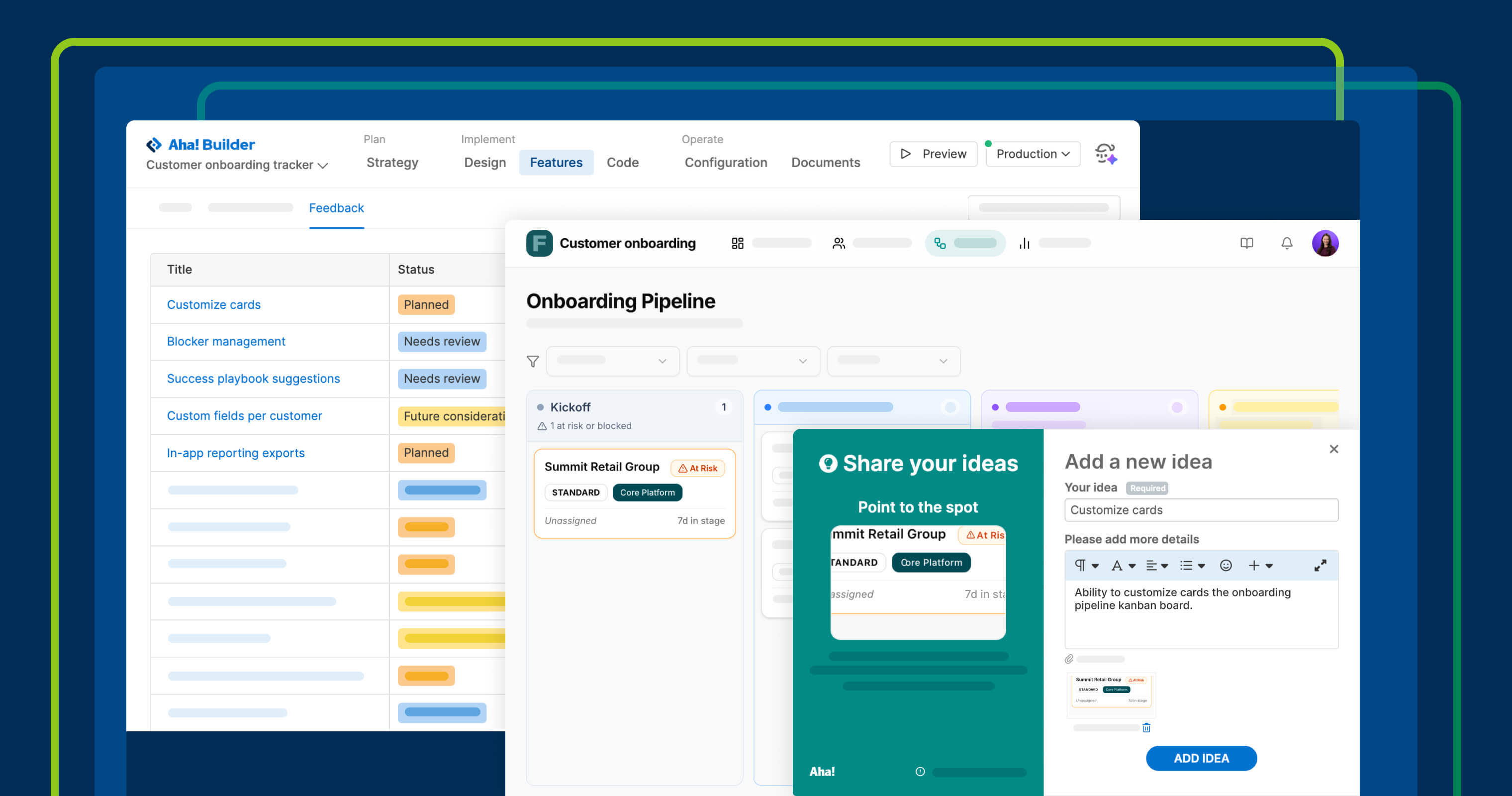
That is why we just launched an in-app feedback widget for Aha! Builder. People can submit ideas while using what you built, and those ideas show up on a dedicated page where you can evaluate them and promote the ones worth acting on. Elle can then build out those additions directly in the prototype — so the feedback loop stays inside the same tool. Each round of feedback becomes a prompt for the next iteration.
Refine until it is ready to be built
Your developers can use the prototype to see the experience in action and review the code behind it. That gives them a concrete starting point — not just a description of the intended workflow, but working logic they can inspect, adapt, and carry into production. It can shorten handoff time, reduce ambiguity, and make it easier to align on how the experience should actually function. From there, they can take that logic into the product codebase or you can keep building in Aha! Builder, depending on what makes the most sense.
Get started
Consider a user experience that you have been going back and forth on. See what happens when you build a prototype first to present a solution.
For a closer look at how this all works together — from initial prototype to in-app feedback to engineering handoff — join our live tutorial on May 28. Senior Product Manager Sarah Moisan-Thomas and Senior Product Evaluation Manager Peter Whisenant will show you the full workflow.
And when your team moves beyond prototyping into building full applications (or when the number of prototypes and tools starts growing), you will want a structured approach for managing all of it. We put together a guide to managing AI application development that covers everything from evaluation criteria and ownership to the workflow we use on our own team.
Want to learn more about how Aha! Builder works? Build your first prototype.