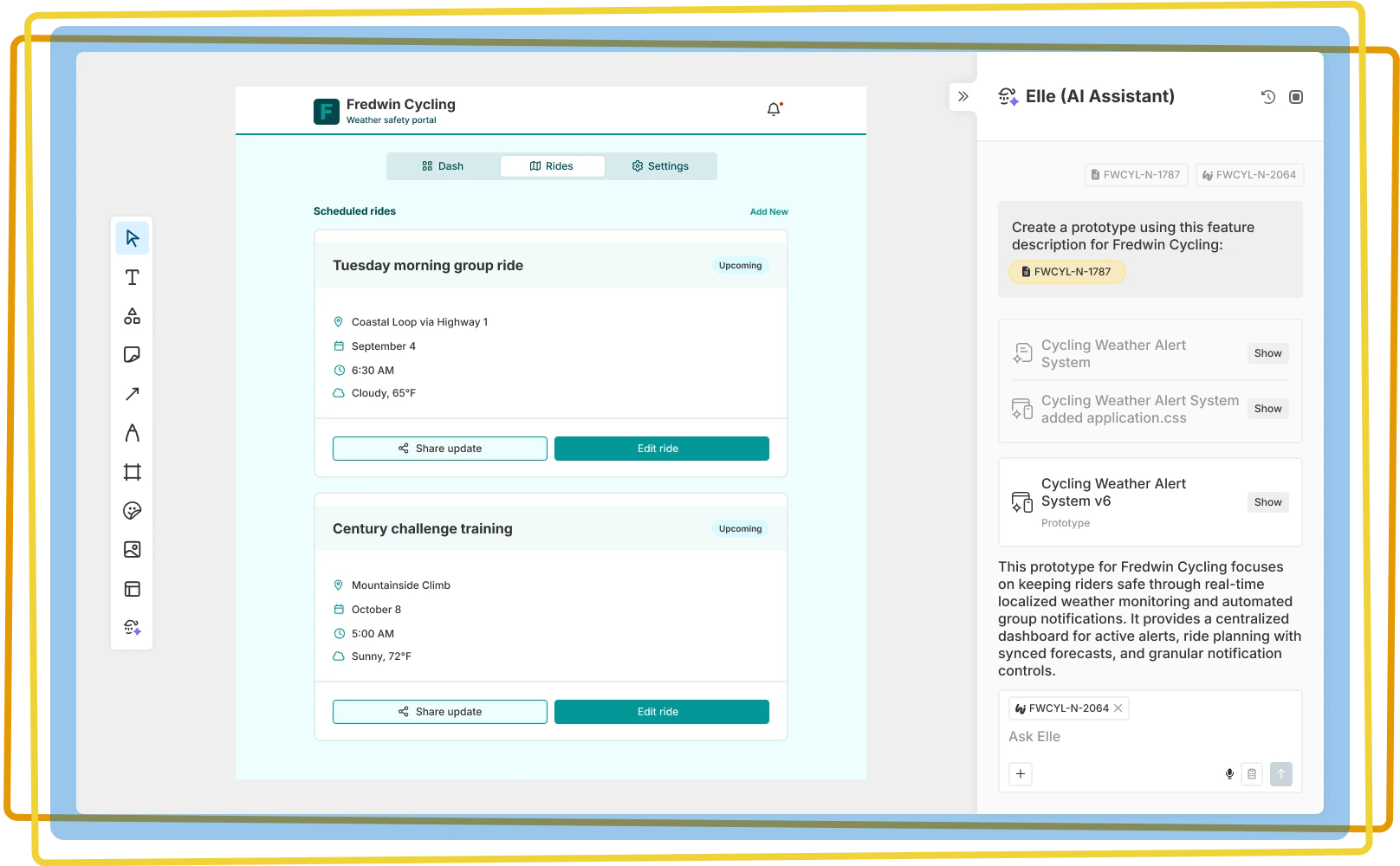

Accelerate creative thinking
Explore new ideas, organize whiteboard content, and create impressive visuals with Elle, our purpose-built AI assistant
Explore new ideas, organize whiteboard content, and create impressive visuals with Elle, our purpose-built AI assistant

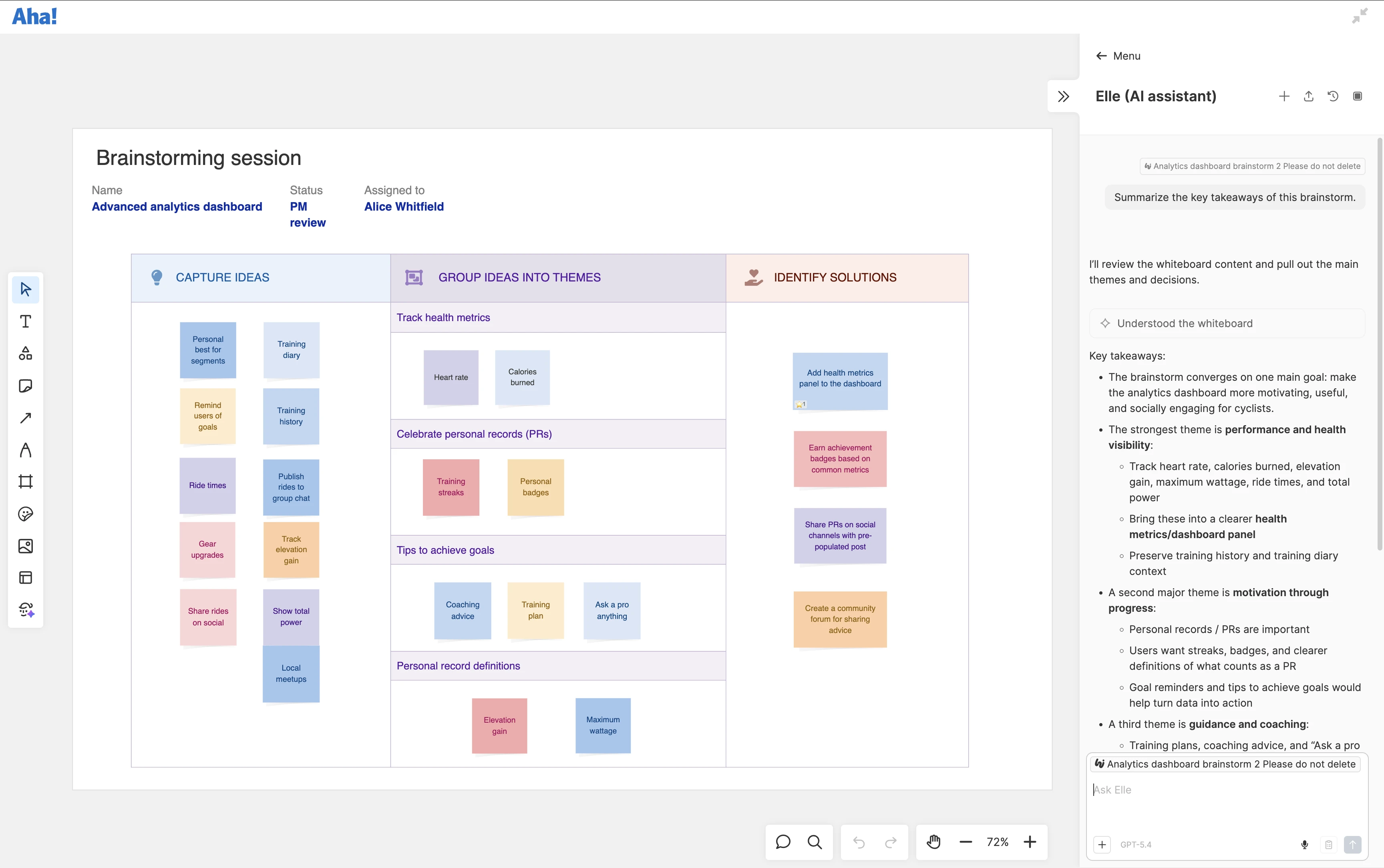
Bring the team together to explore new concepts and uncover creative solutions. Add your own ideas and ask Elle to suggest more to keep the conversation flowing. As the whiteboard fills up, have Elle quickly group related sticky notes and summarize key themes — turning a lively brainstorming session into actionable next steps.
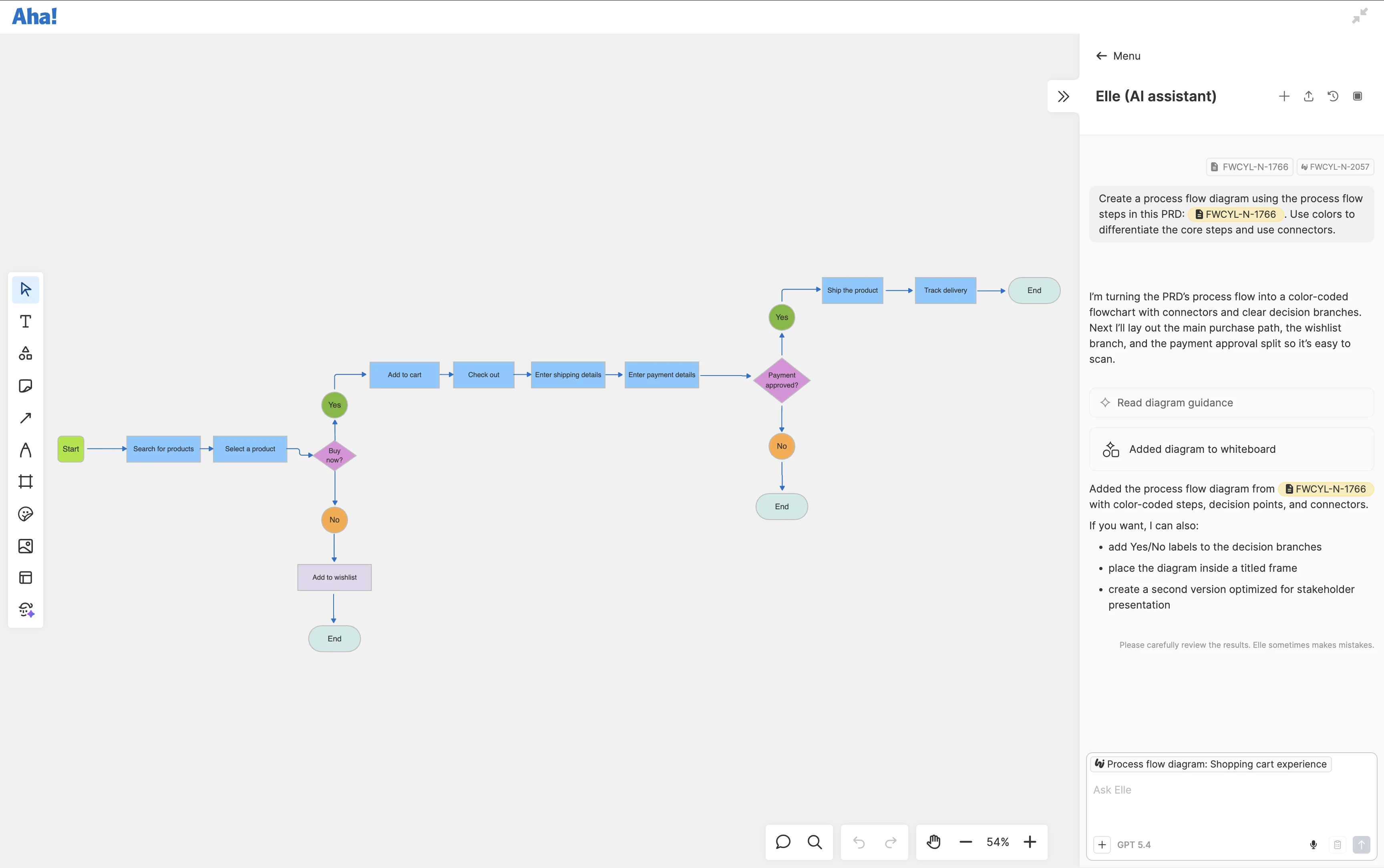
Map out the desired user experience before you build anything. Start with a written prompt or reference a feature description in Aha! Roadmaps. Then, ask Elle to create a user journey or process flow diagram to lay out the experience step by step. Review it with the team, identify any gaps in the flow, and refine the approach before moving ahead.
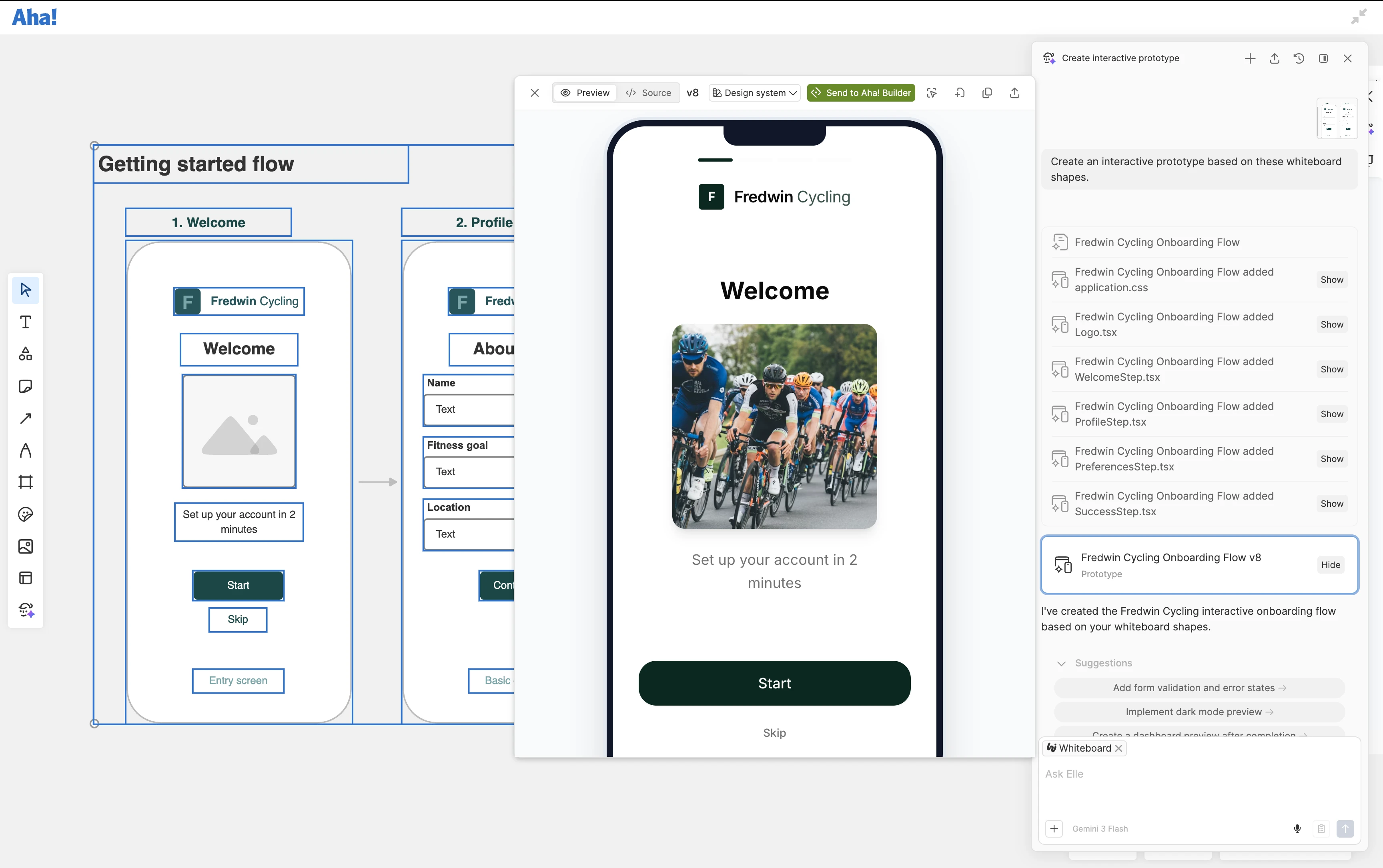
Turn a whiteboard visual into a realistic product experience. Select a user flow, rough sketch, or screenshot and ask Elle to create an interactive prototype in one click. Add it to your canvas so the team can easily leave feedback. Explore variations with Elle, then save the prototype as a record type in Aha! Roadmaps and link it directly to your plans.
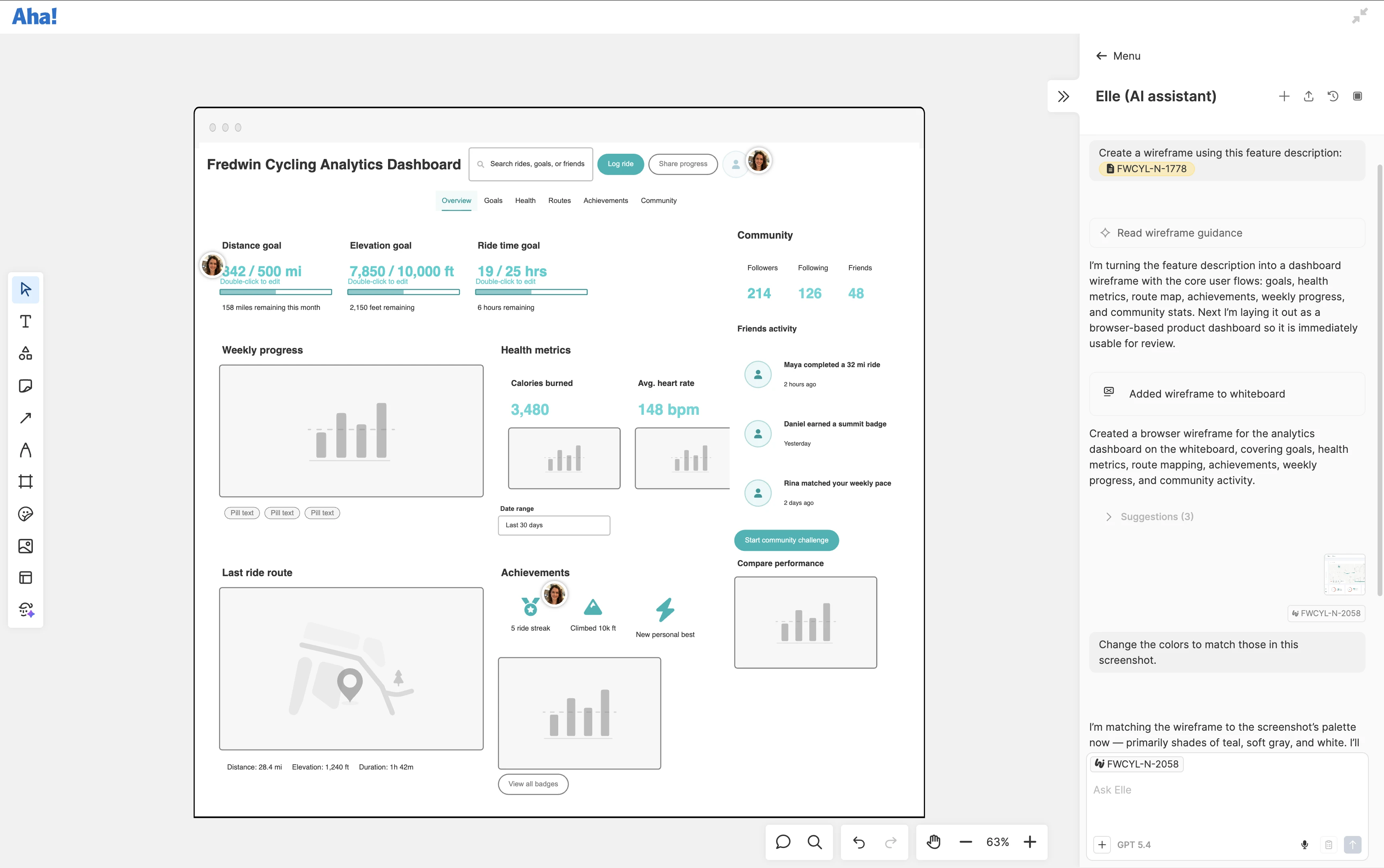
Quickly mock up how new functionality should work. Describe what you want or upload a screenshot, and watch as Elle builds a wireframe using components such as navigation options, buttons, input fields, and more. Ask Elle to make updates based on suggestions from the team. Add the whiteboard to the relevant feature description in Aha! Roadmaps to guide UX on the final design.
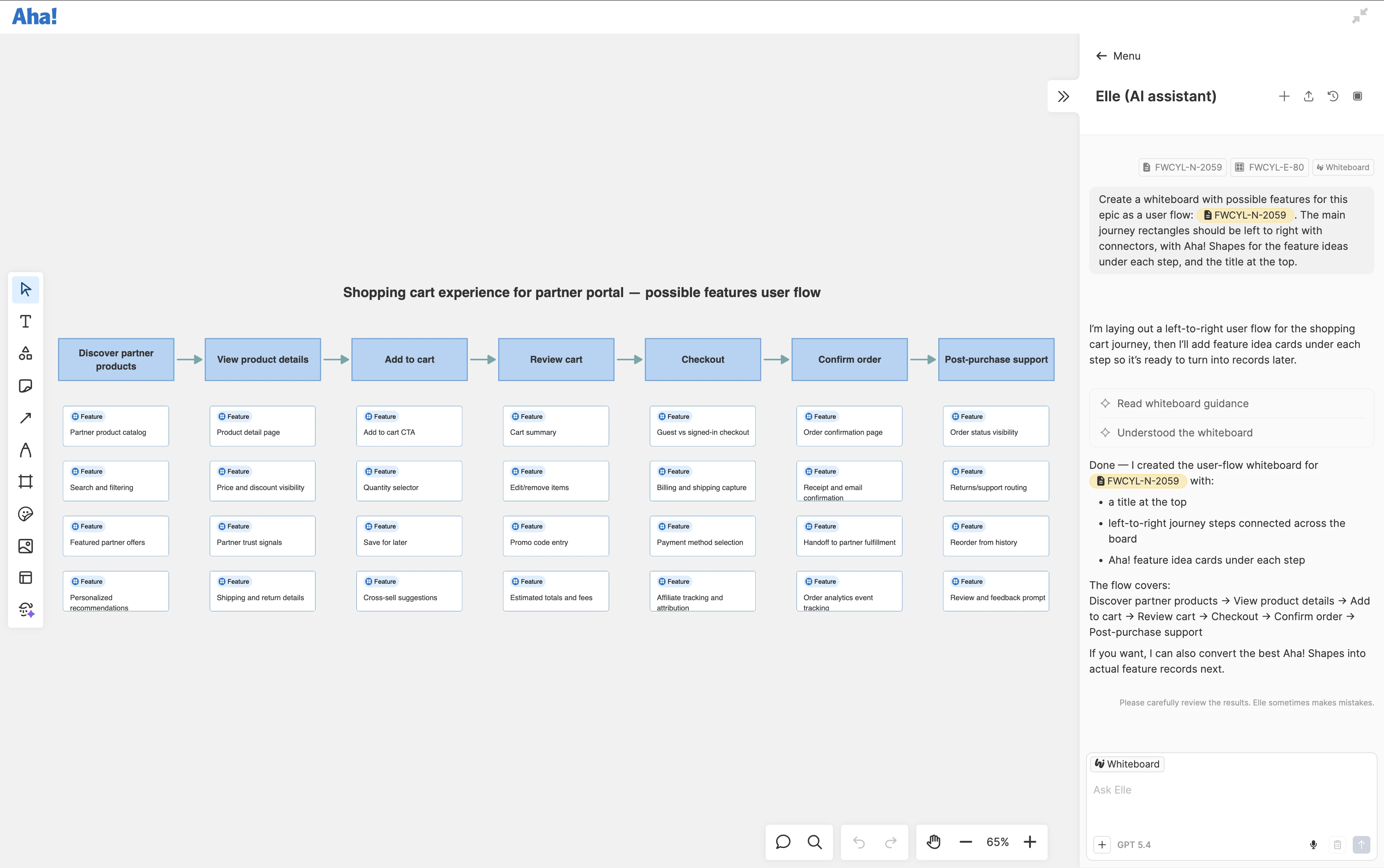
Move swiftly from concept to plan. Ask Elle to map out work using Aha! shapes to visually represent initiatives, epics, and features. When you are ready to take action, convert them into actual records in Aha! Roadmaps. Elle can also create smart zones to automatically update details such as status, release, and assignee as you organize your work.