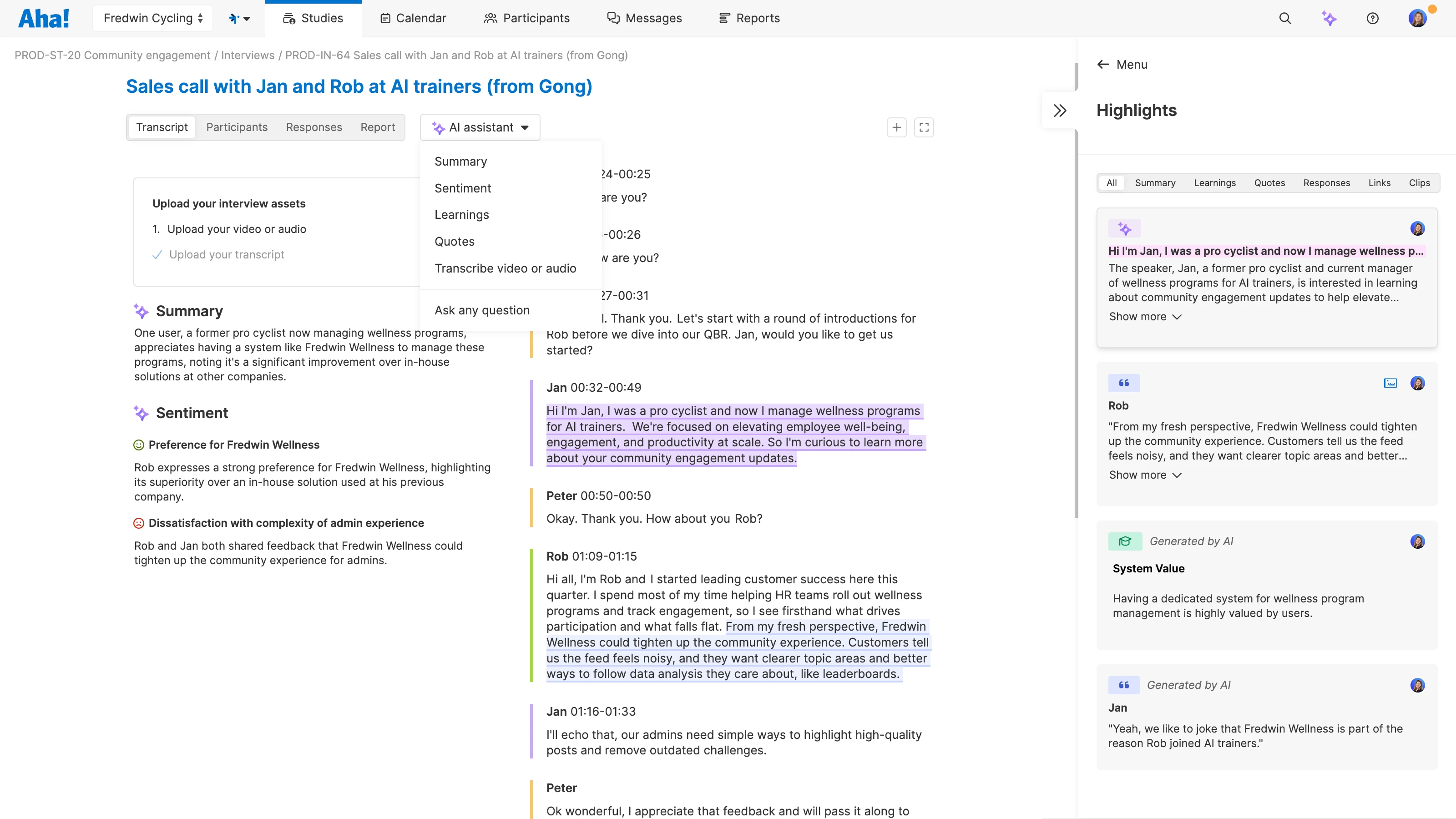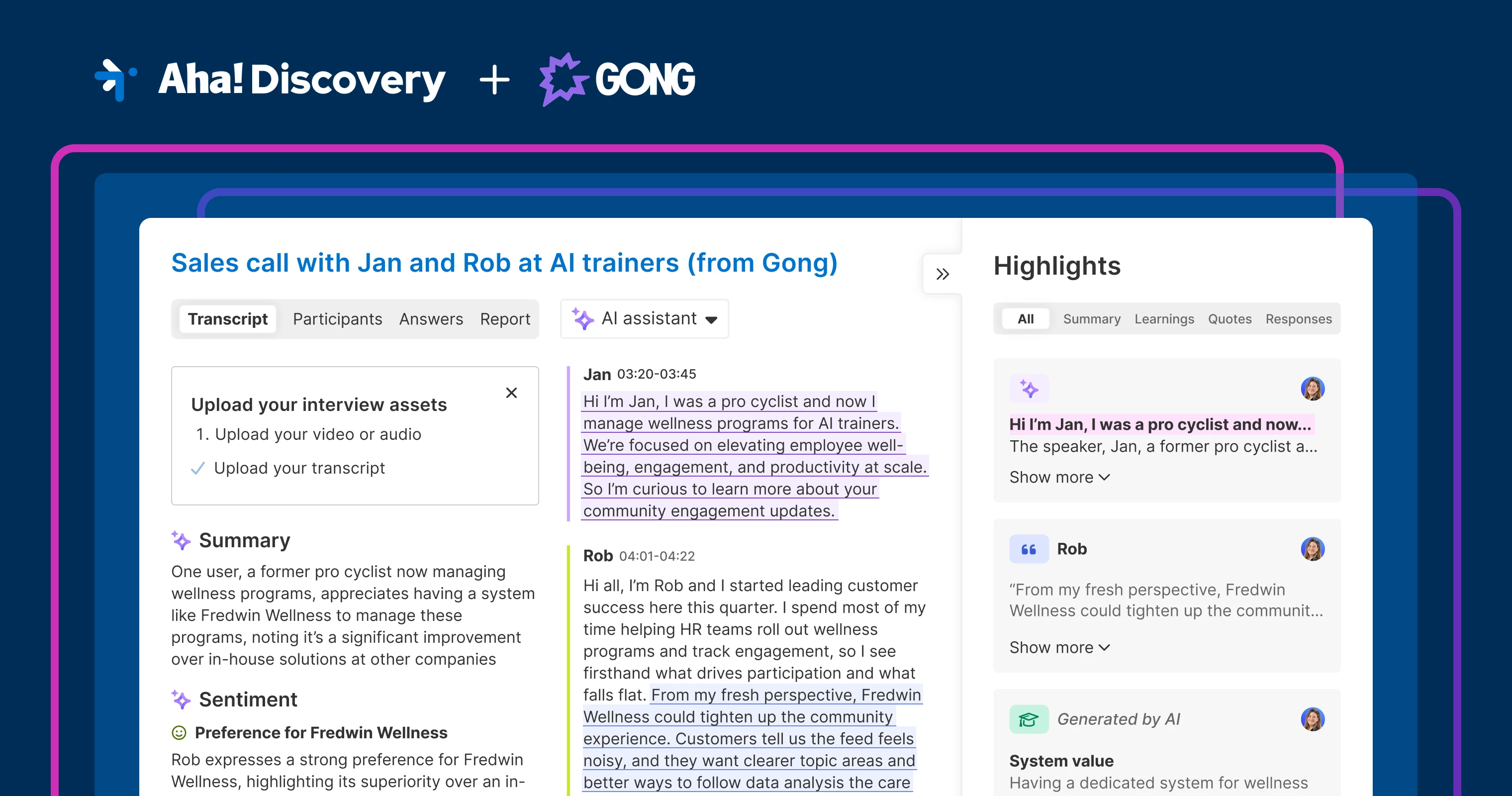
Capture customer insights shared with sales using Aha! Discovery's Gong import option.
Analyze Gong transcripts for product insights with Aha! Discovery


Every customer call is an opportunity to learn more about what folks need from your product. You run research studies in Aha! Discovery to uncover what to build. But how do you uncover insights from conversations you were not part of — especially when they were shared with someone on the sales team? If your sales and customer success teams use Gong to capture customer conversations, today's release is for you.
Now, you can bring transcripts from Gong into Aha! Discovery. Import sales and support calls alongside your research interviews, analyze them with AI, and connect what you learn to your roadmap.
Bring sales conversations into your research workflow
Aha! Discovery helps you turn customer interviews into next steps for your product. The AI assistant analyzes your call transcripts so you can quickly find what is worth acting on. You can share what you learn with your team and connect it to your roadmap. Transcripts from Microsoft Teams and Zoom are already supported — you can now bring in Gong, too.
Here is what you can do:
Centralize customer research: Import TXT files from Gong so product feedback from sales calls is stored alongside your interview notes.
Surface insights you would otherwise miss: Analyze conversations you did not attend and find product feedback buried in sales discussions.
Speed up analysis: Use the AI assistant to pull out key quotes, identify themes, and assess overall sentiment.
Connect findings to your roadmap: Link insights to related product work (initiatives, features, personas, or ideas).
When all your customer research is in one place, you can trace product decisions back to actual feedback.
The ability to import Gong transcripts is available in all Aha! Discovery plans. You will need the appropriate Gong permissions to export call transcripts.
Let us show you:
How to get started
In Gong, open a call and select More options Download Transcript to export a TXT file.
In Aha! Discovery, create a new interview and add your Gong TXT file.
Review the transcript, then run AI analysis.
Highlight important quotes and link them to product work.
Pro tip: Upload the video or audio recording from Gong in addition to the TXT file so you can create clips of key moments.
📚 For more details, read the full support article.
As you build a library of customer research, you can ask the AI assistant to find patterns across conversations: what keeps coming up, where customers struggle, and what to prioritize next. You can even cross-reference insights with existing ideas (or create new ones) to ensure your roadmap reflects what customers truly need.
Start a free trial of Aha! Discovery
Aha! Discovery is the new way to manage customer interviews, uncover key product insights, and link them to your roadmap. Sign up for a free 30-day trial or join a live demo to see why more than 1 million product builders trust our software to build lovable products and be happy doing it. Contact us if you are interested in trying Aha! Discovery in your Aha! Roadmaps or Aha! Ideas account to validate your plans with customer sentiment.