The benefit of this AI skill
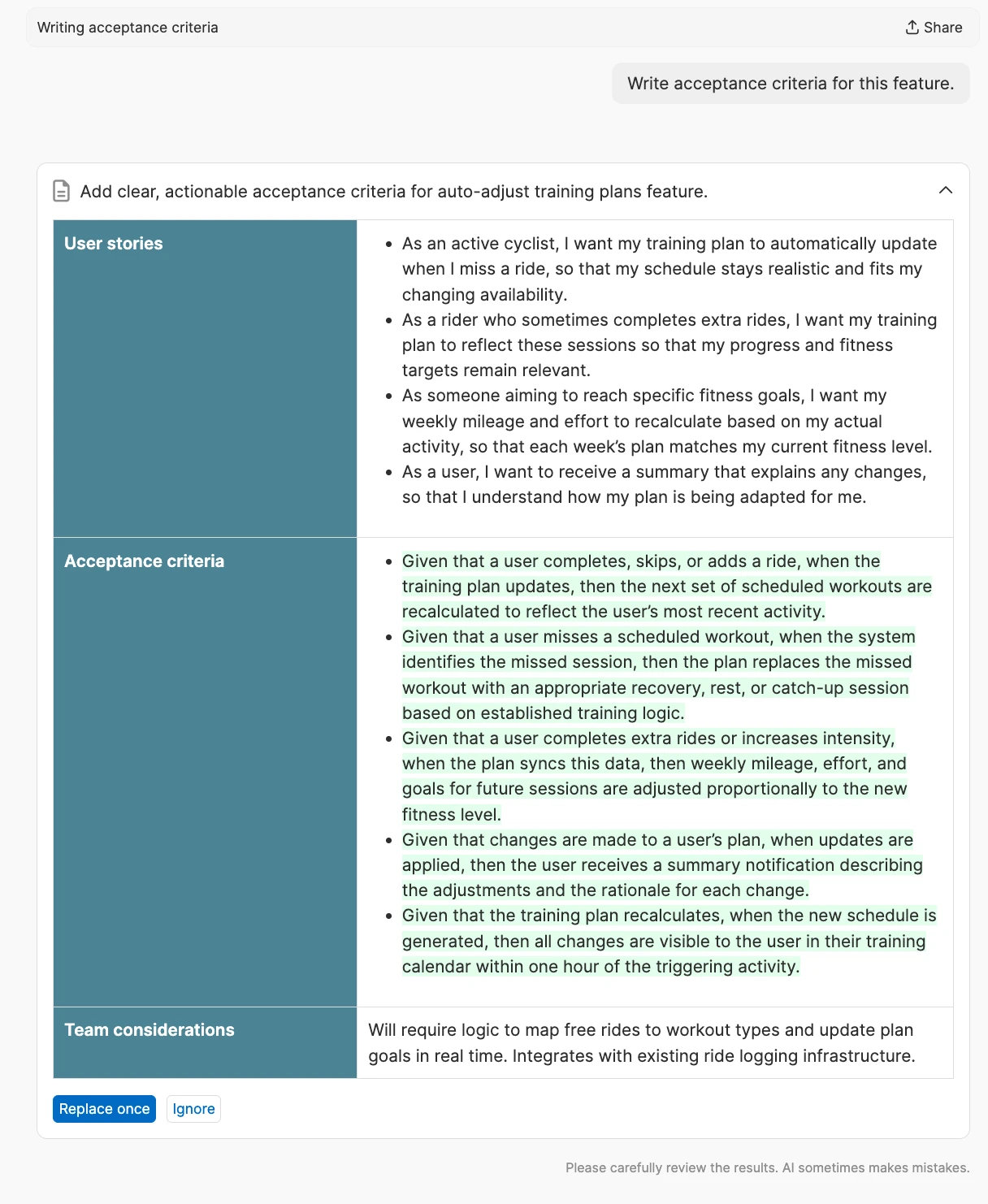
Set a clear, testable definition of done for every feature. When you enter this request, Elle (the AI assistant) reviews the information in the feature's description, its requirements, and any linked ideas, comments, or dependencies. It then generates a set of acceptance criteria and considers the primary user flow as well as edge cases and constraints. This helps the team align on how new functionality should work to deliver a lovable user experience. It also reduces scope creep and establishes test cases.
Example output
Tips to get the best results
Specify the feature you want to generate acceptance criteria for
Review the feature definition to ensure it includes enough details
Link related ideas, comments, and dependencies to inform edge cases
Note any nonfunctional requirements (like performance, security, accessibility, or compliance)
Ask for output in a specific format (e.g., "Given/When/Then") or group it by scenario
How to get started
Open the details page for the feature you are working on
Click the Elle icon to open the AI assistant
Click the + icon in the prompt box and select Search the library
Search for and select the Acceptance criteria skill
Run the skill and work with Elle to refine the output
Insert the output into your feature
About the AI assistant in Aha! software
Accelerate your work with AI. The AI assistant in Aha! software is purpose-built for product development teams. It draws on advanced models from OpenAI, Anthropic, and Google, automatically selecting the best one for each task. Use it to instantly create text, records, reports, wireframes, whiteboards, and prototypes. You can also modify, link, and analyze key information in your account.
Choose from a library of pre-built prompts — including requests, instructions, and agents — that are tuned for product development work. Or create your own to support workflows that are unique to your team. The AI assistant automatically tailors responses based on the Aha! record you are working on and can reference and retrieve other records in a prompt or report. Give it a try today and change the way you plan and build products.
